Pay Period, as its name implies, defines the period of payment to be made to employees. This can be called as Pay Cycle. Pay Period defines the start date, end date of each pay cycle, the date that the cycle shall be run (pay date). “Payroll Processing” runs against or for the pay period. So, before the payroll process can be run (calculated), the pay period need to be created.
To open Pay Period Screen, click on Payroll Menu > Data Setup > Pay Periods.
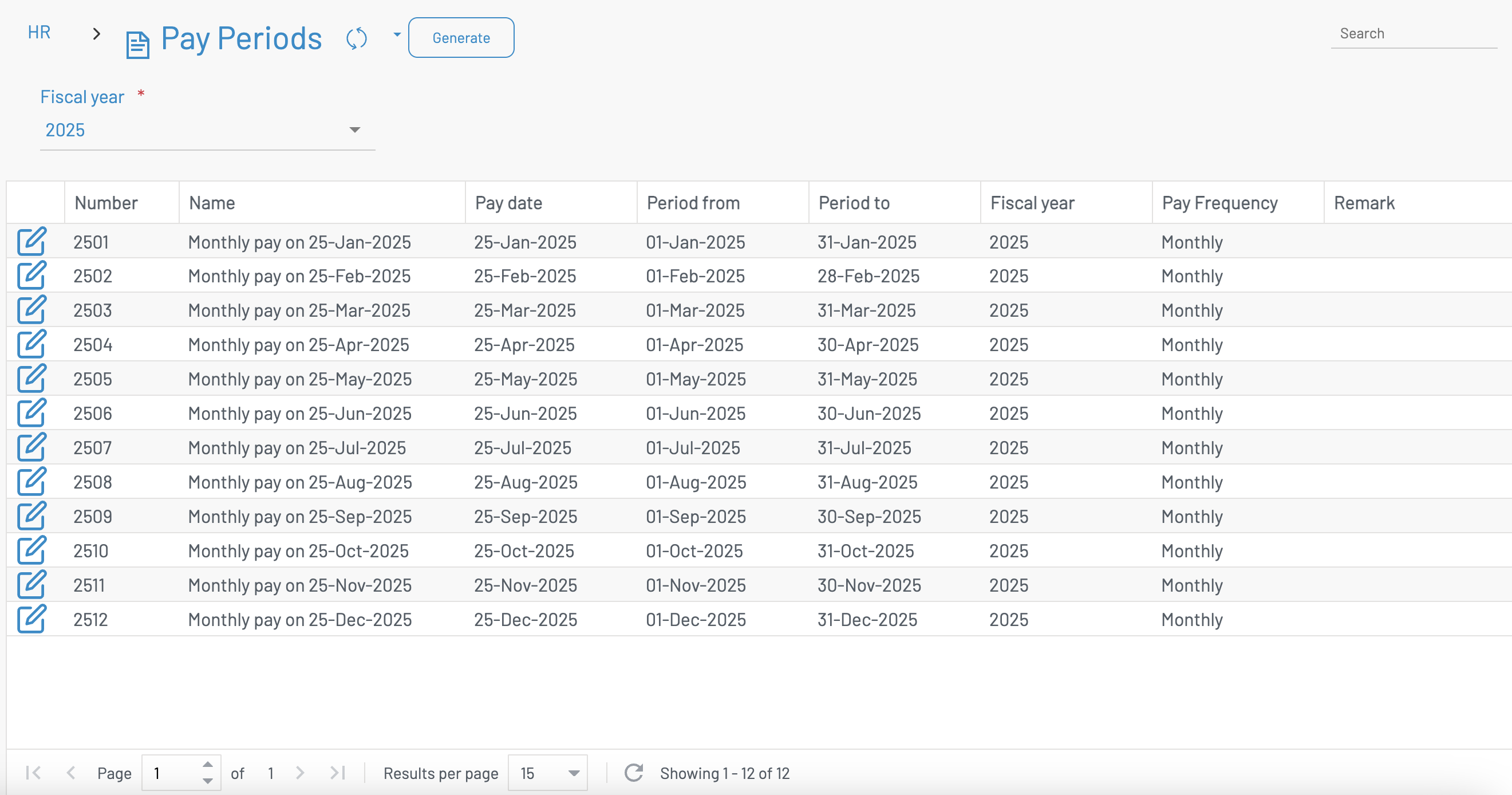
Normally you have to generate new pay periods for a fical year. Click Generate
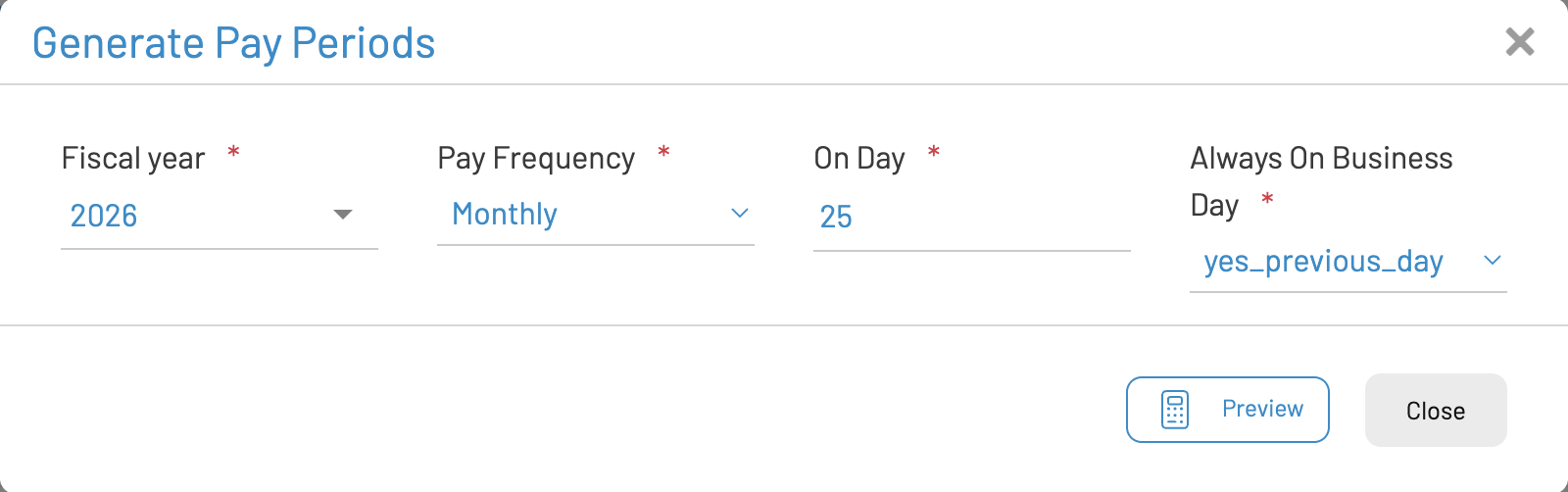
Click Preview to preview the periods
- Select Fiscal Year
- Pay Frequency - Monthly
- On Day: specify the day payroll is run. i.e. 25th
- Always on business day: if on holiday/weekend.
- No: pay on that day and no move.
- Yes previous day: previous business day
- Yes next day : next business day

Click Save Generation to save new periods