- Go to https://admin.akas.co.
- Log in using your email and password or Google account.
- From the dashboard, click “My Businesses”.
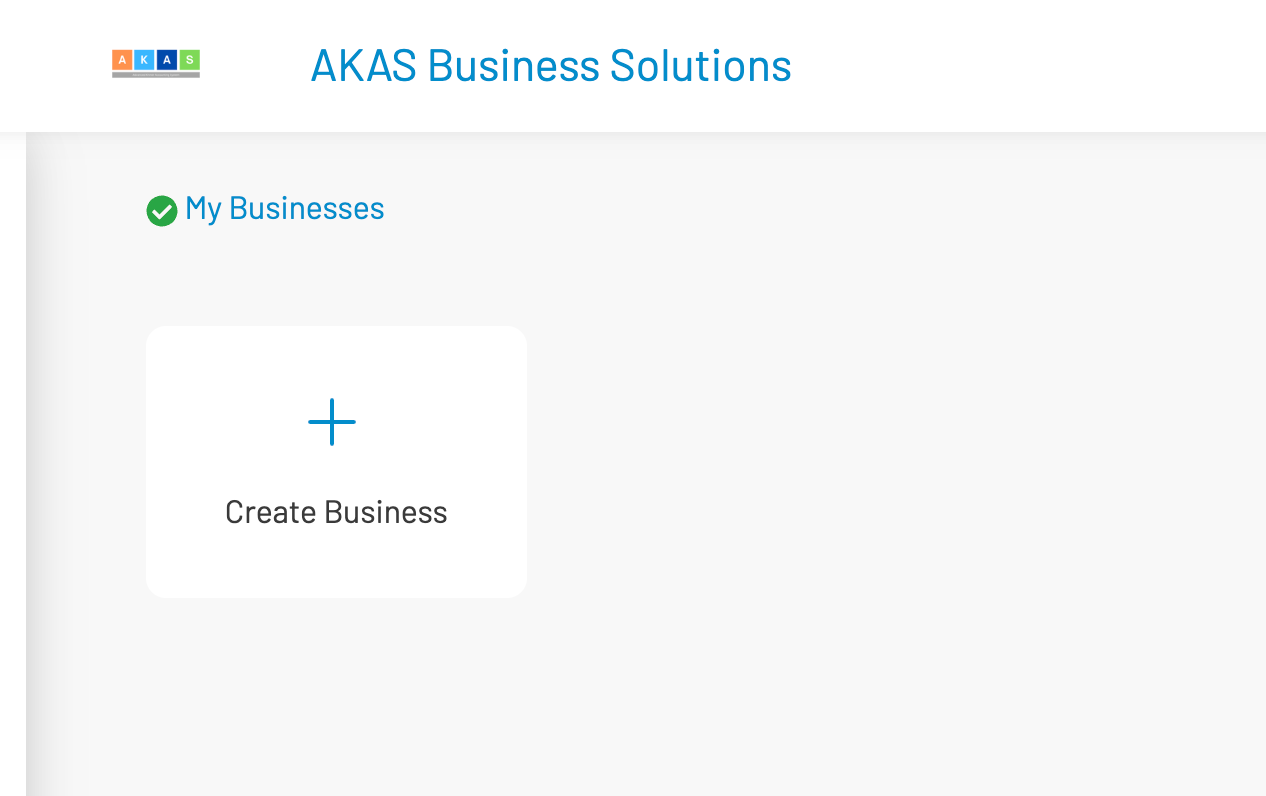
- Click “Create Business”.
- Fill in the following details:
- Business Name: your business or company name
- Cloud Address: This is the address you and your team will use to access your data.
- Default Base Currency (optional; you can configure it later)
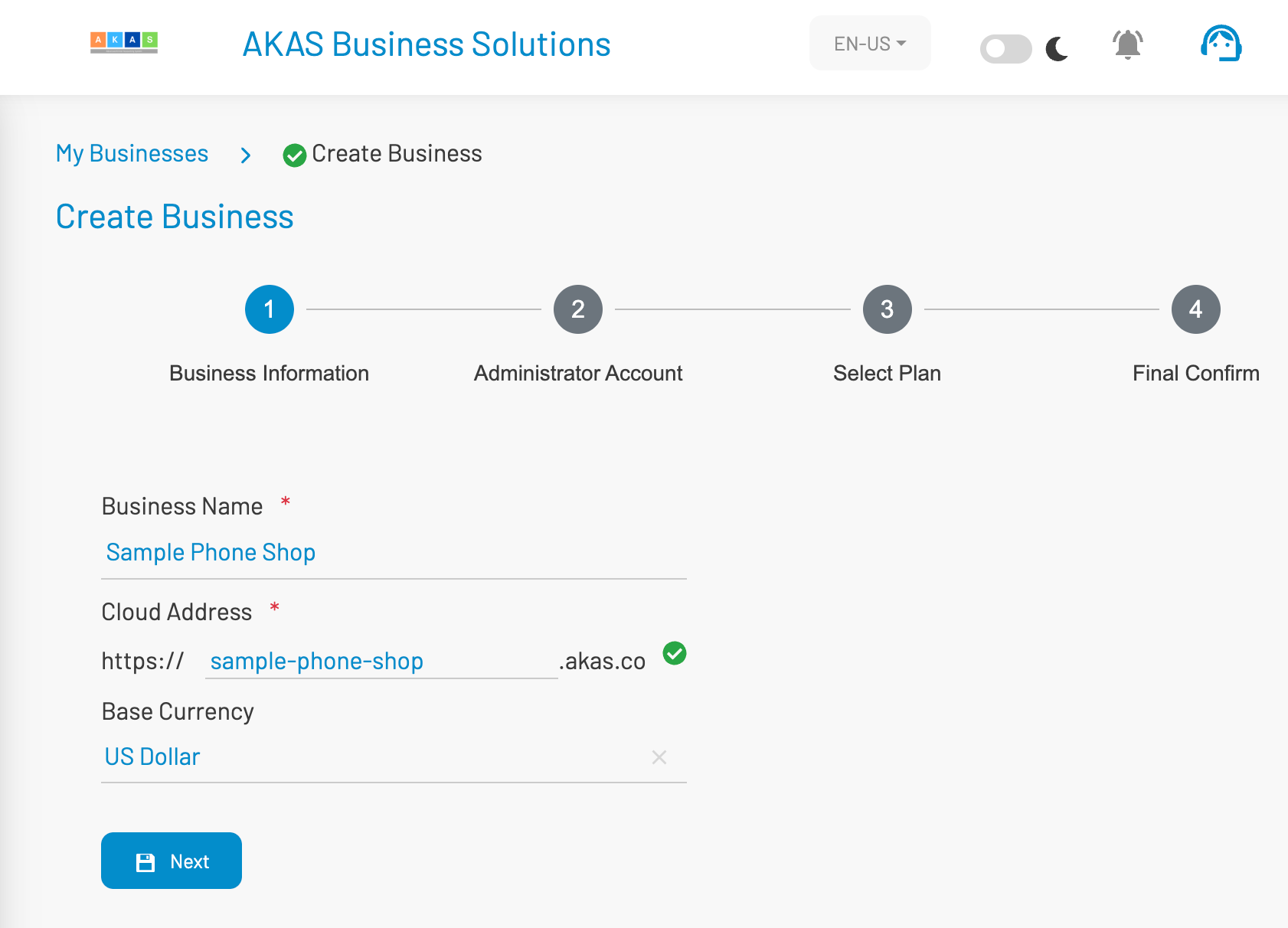
- Click “Next”.
- Enter the administrator name and administrator password, then click “Next”.
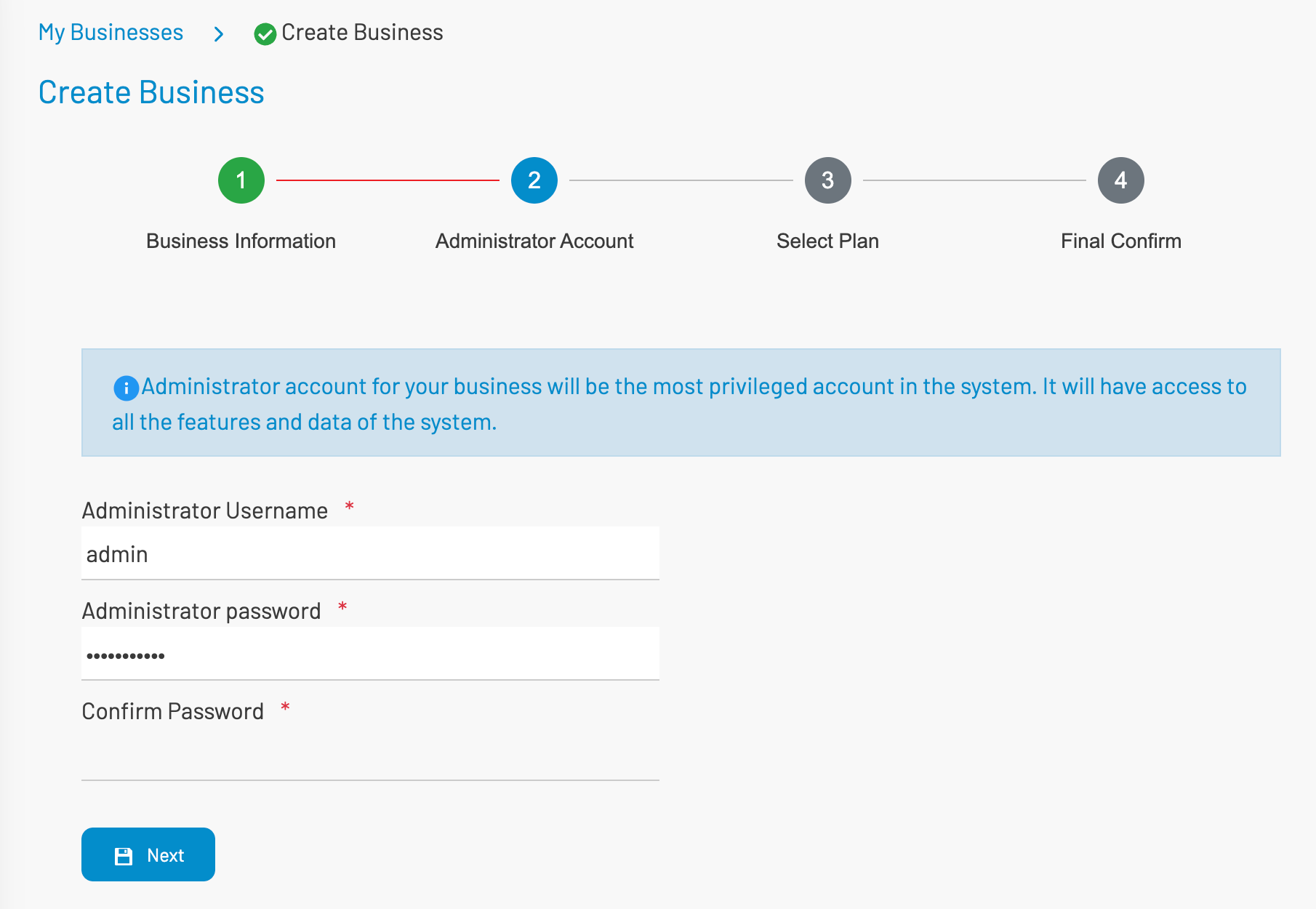
Note that it is the most priviledge user account for your business and depends on the license you can use this account to create more users for your team.
- Choose a Plan. To enable the eCommerce store, select the Premium Business Plan.
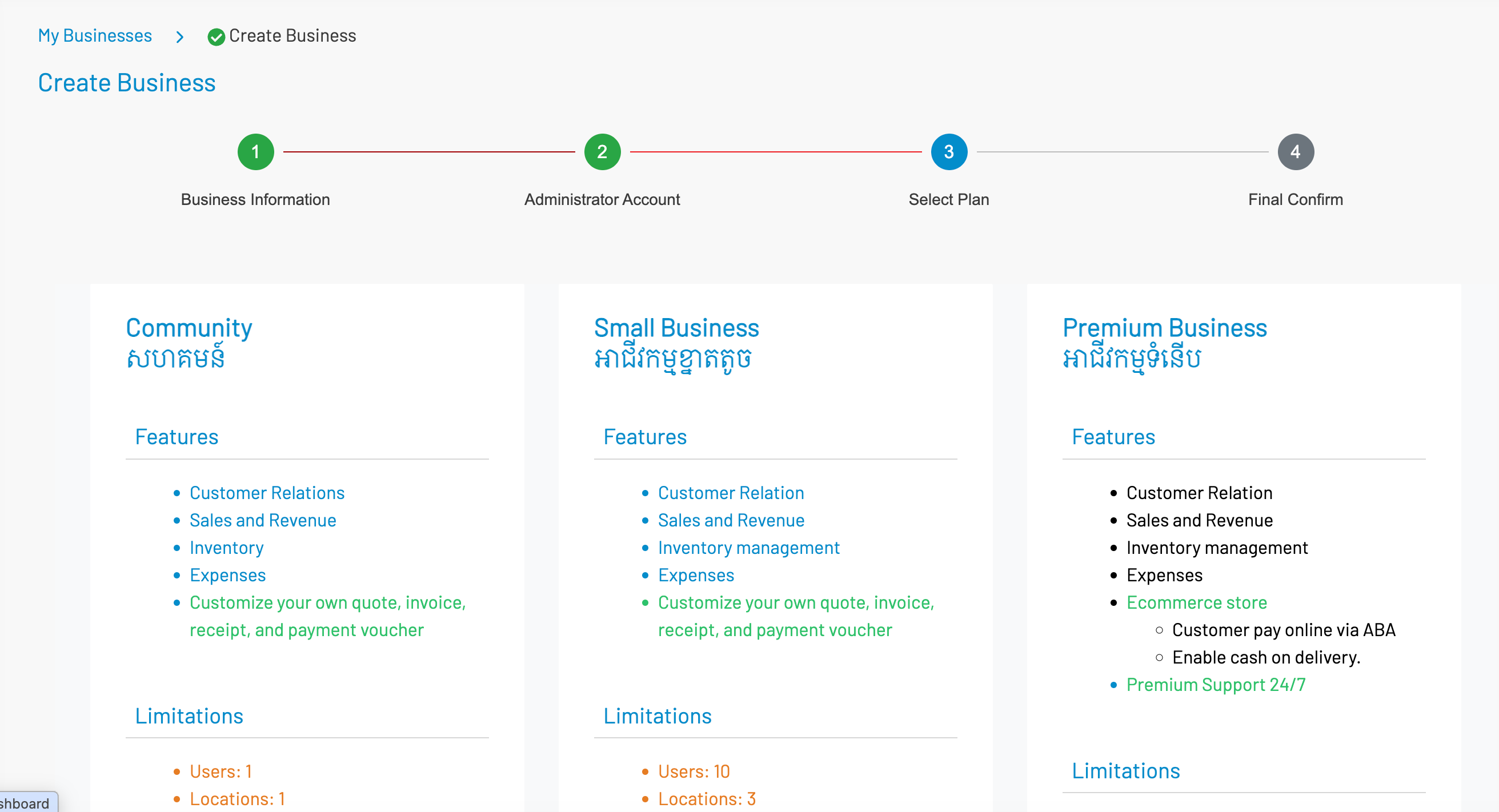

Select the billing period: Monthly or Annually.- Review your selections. If you have a discount coupon, you may apply it here.
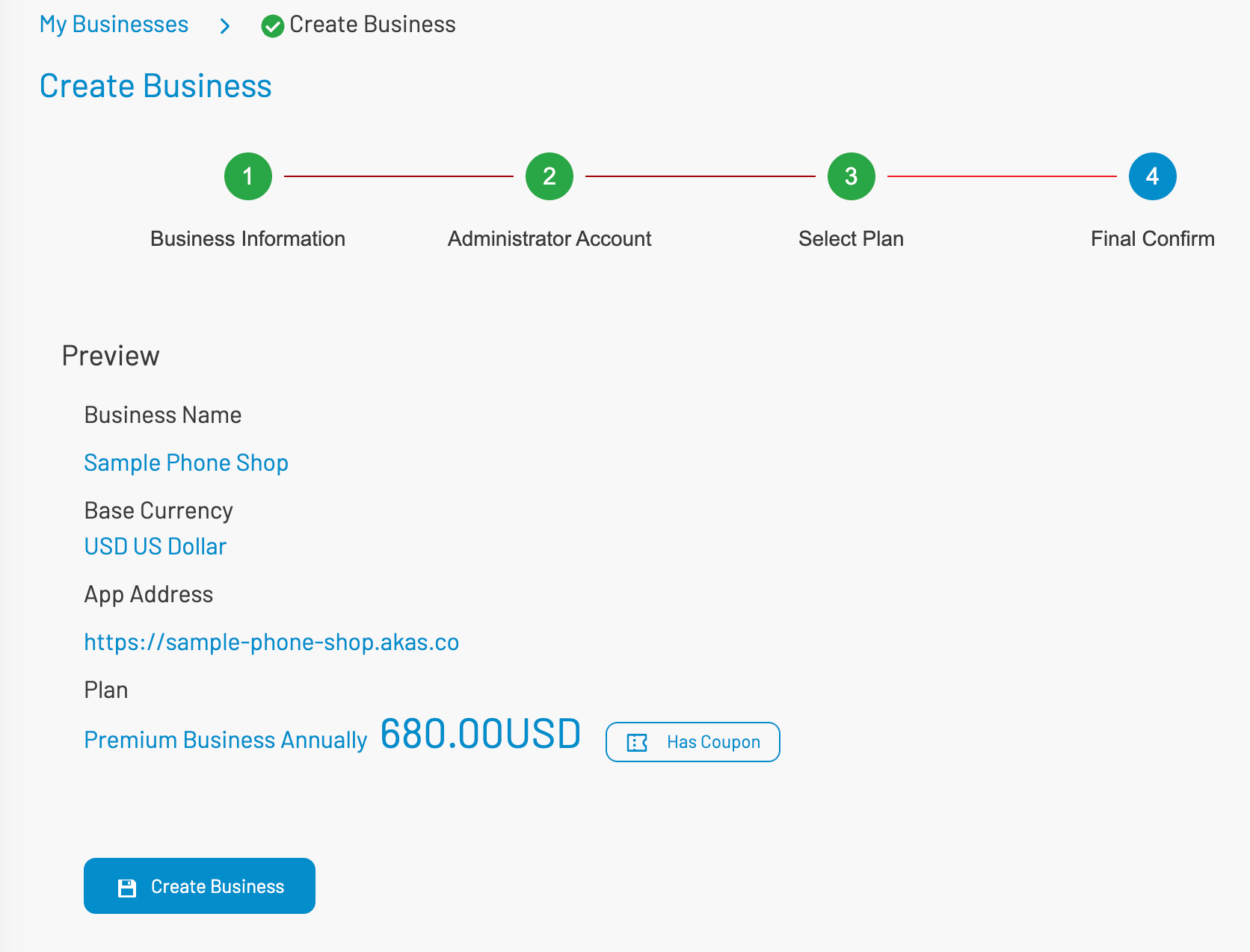
- If you have a discount coupon, click “Has Coupon” and enter the coupon code and click “Apply”
- Click “Create Business” to complete the setup.