
Roles
A role is a named group of permissions (for example, “HR Officer” or “Accountant”) that can be assigned to multiple users. Instead of setting access for each person individually, you define roles once and assign them to the appropriate user accounts.
Roles can be managed through the left sidebar → Security menu → Roles (/security/roles).
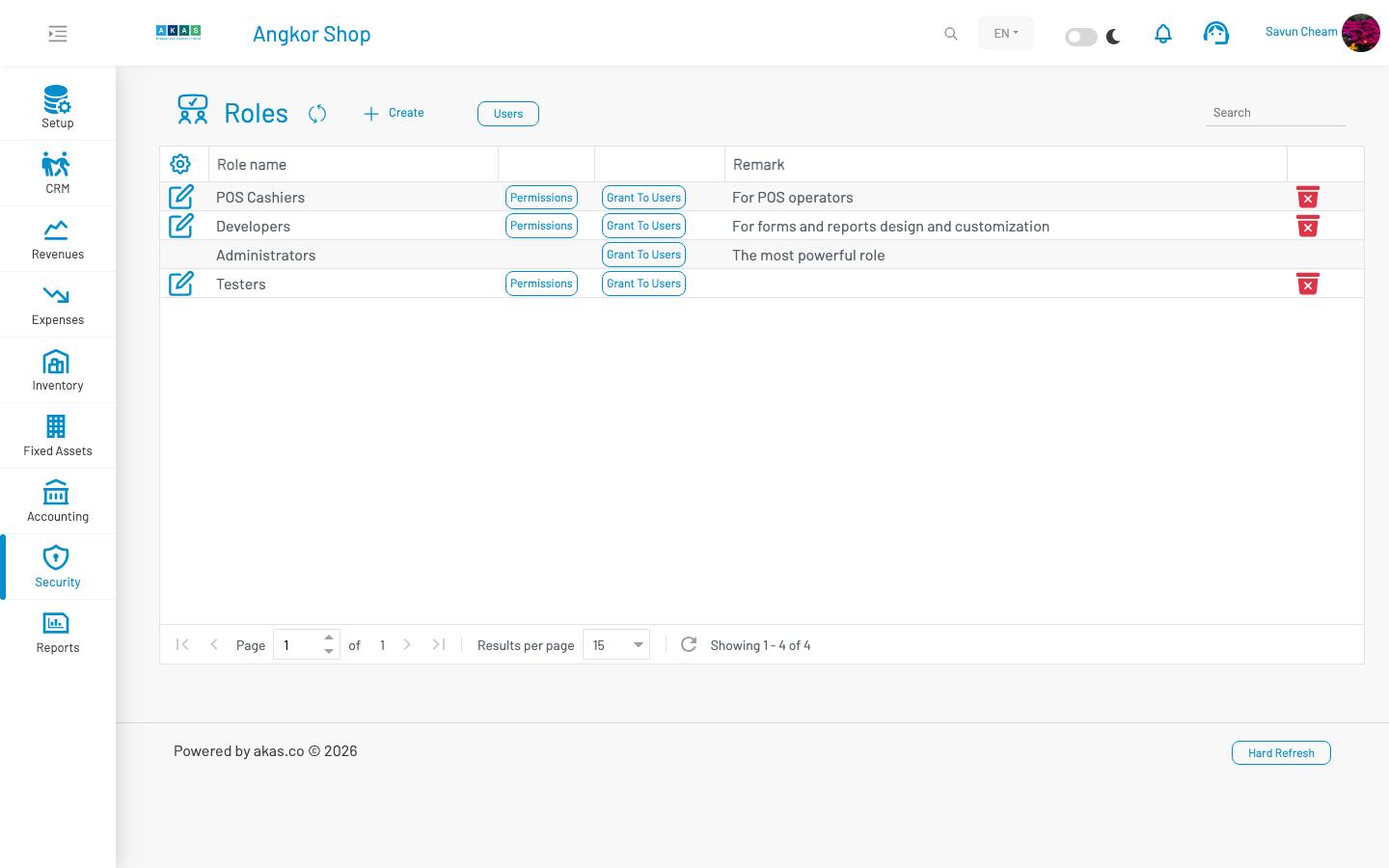
To create a new role, click Create, enter the role details, and click Save.
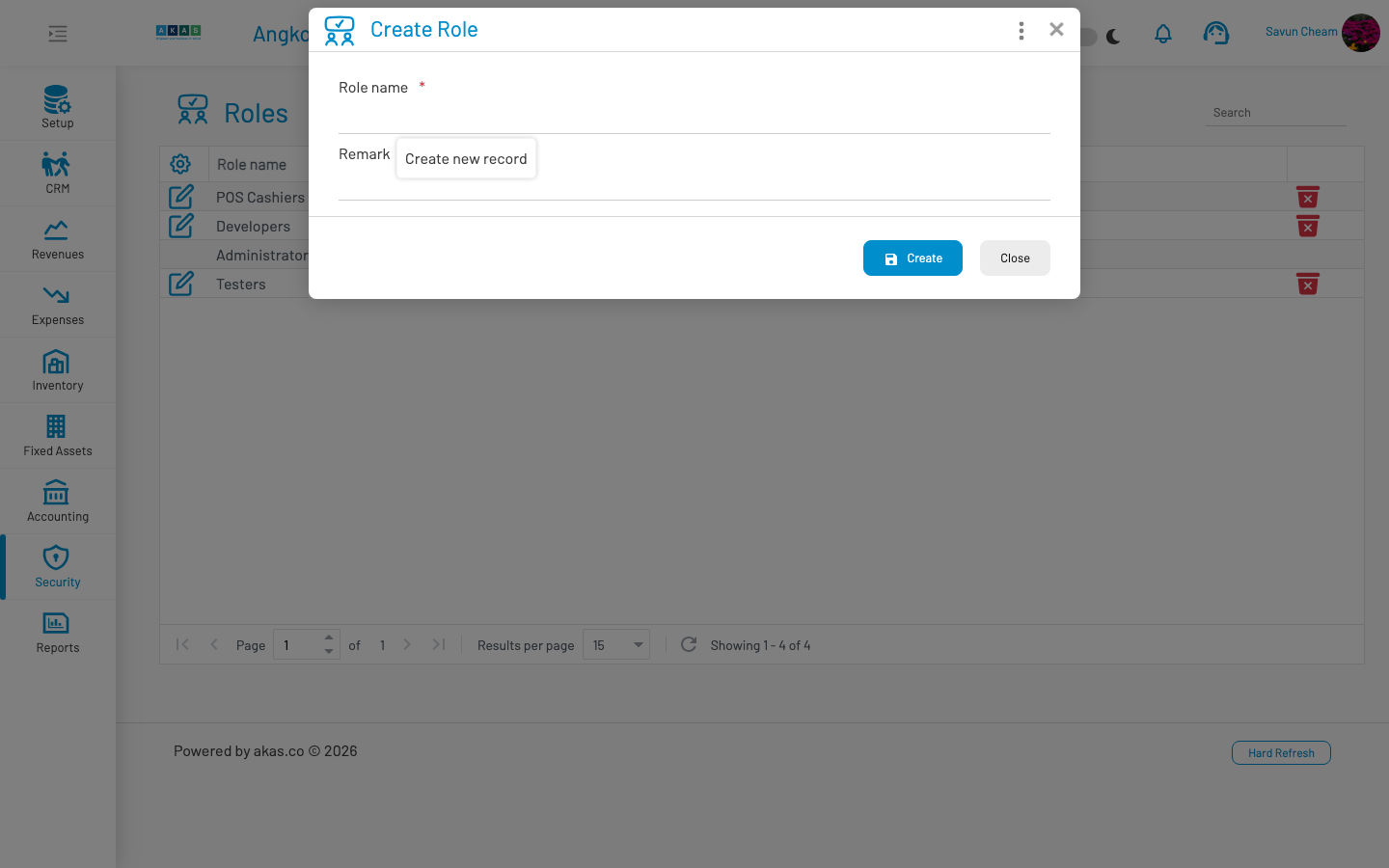
| Field Name | Type of Data | Description |
|---|---|---|
| Role Name | Text | Unique name for the role (e.g. “Accountant”, “HR Manager”). |
| Remark | Text | Optional notes describing the purpose of this role. |
Role list actions
Section titled “ Role list actions”From the Roles list, each role (except Administrators which has full permissions) provides:
| Action | Description |
|---|---|
| Permissions | Opens the permission matrix for this role. |
| Grant To Users | Assigns this role to one or more existing users without opening each user record individually. |
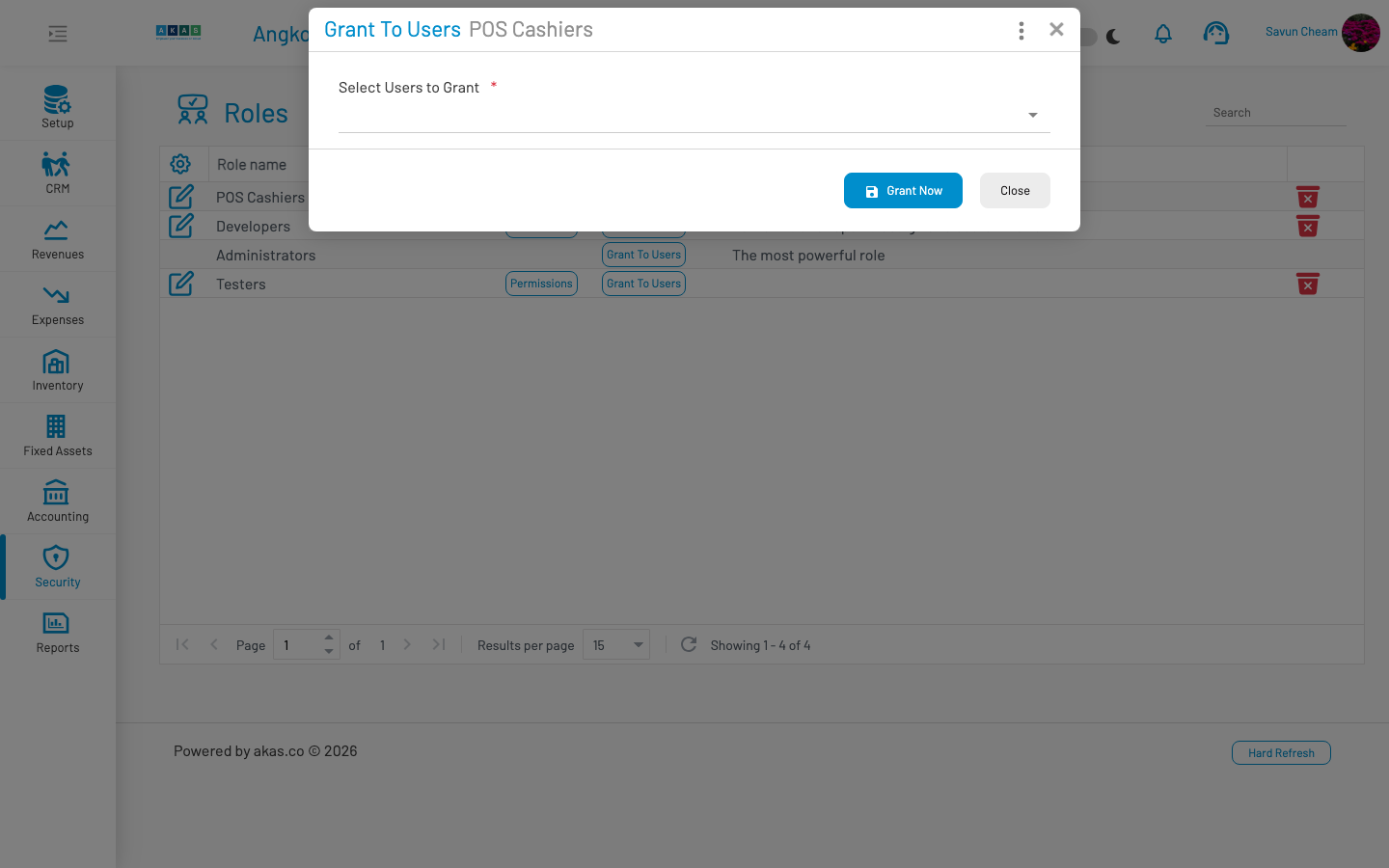
From the Roles list header:
Users — Navigate back to the Users list.
Note: The Administrators role is a system role with full access. It cannot be edited, deleted, or have its permissions changed. At least one user should remain in this role at all times.
API key integrations use a dedicated paired role per key. Those roles are not listed here — manage their permissions from API Keys.
See also
Section titled “ See also”Users — Create user accounts and assign roles
Permissions — Configure the permission matrix for each role
API Keys — External API access with per-key permissions