
Job Vacancies
Job Vacancies is the public career board for open (approved) requisitions. Staff can open it from the menu; candidates can use the same URLs without the full app shell.
Self Service: Employees can also open Job Vacancies from Dashboard → Self Service → Job Vacancies (same path /recruitment/vacancies).
Navigation: left sidebar → HR → Recruitment → Job Vacancies (/recruitment/vacancies).
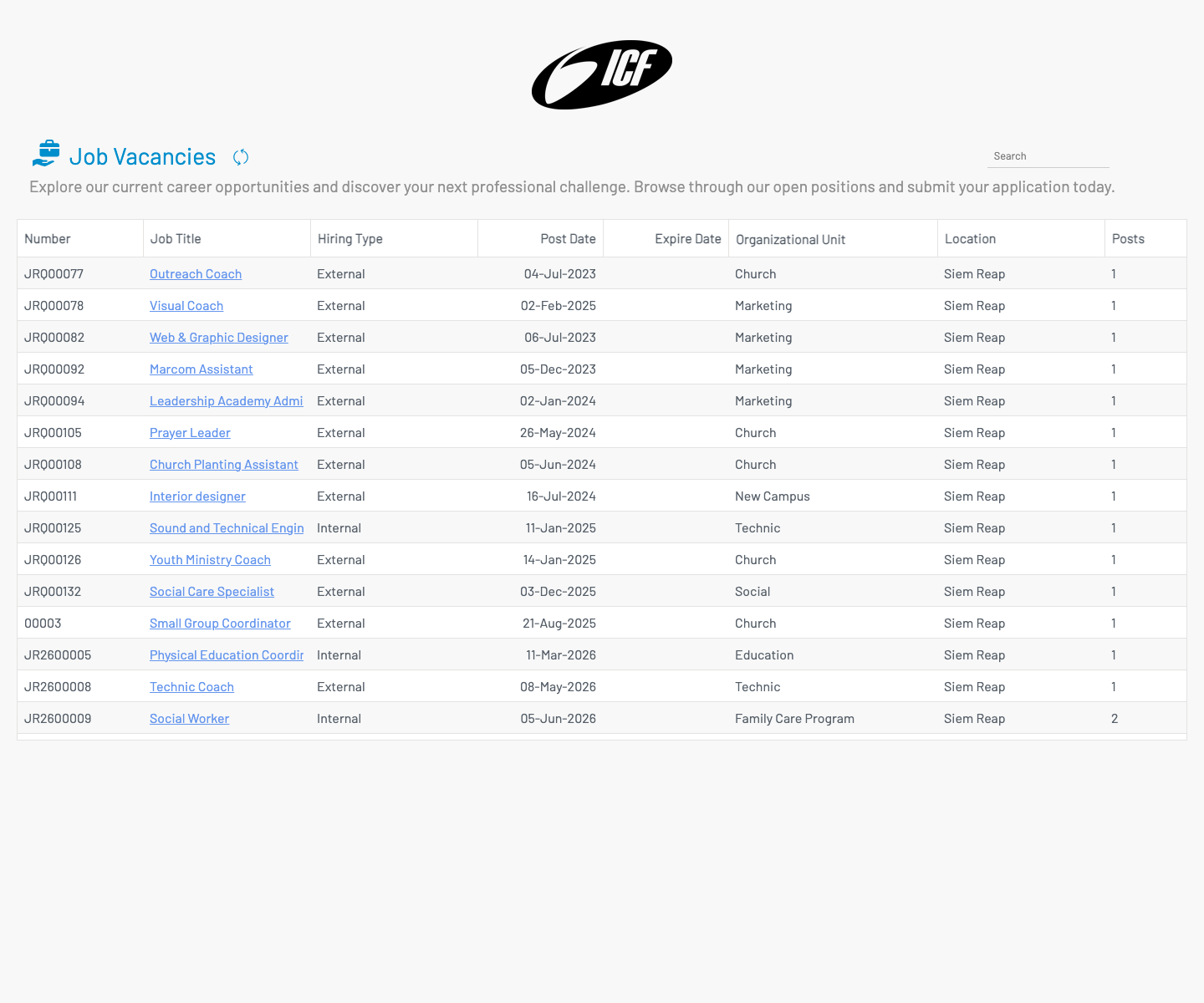
List columns
Section titled “ List columns”| Column | Description |
|---|---|
| Number | Requisition number. |
| Job Title | Clickable link to the job detail page. |
| Hiring Type | Internal or External. |
| Post Date / Expire Date | Posting window. |
| Organizational Unit | Hiring department / unit. |
| Location | Work location. |
| Posts | Number of openings. |
Use Search to filter by keyword.
Job detail
Section titled “ Job detail”Click a job title to open the public job page.
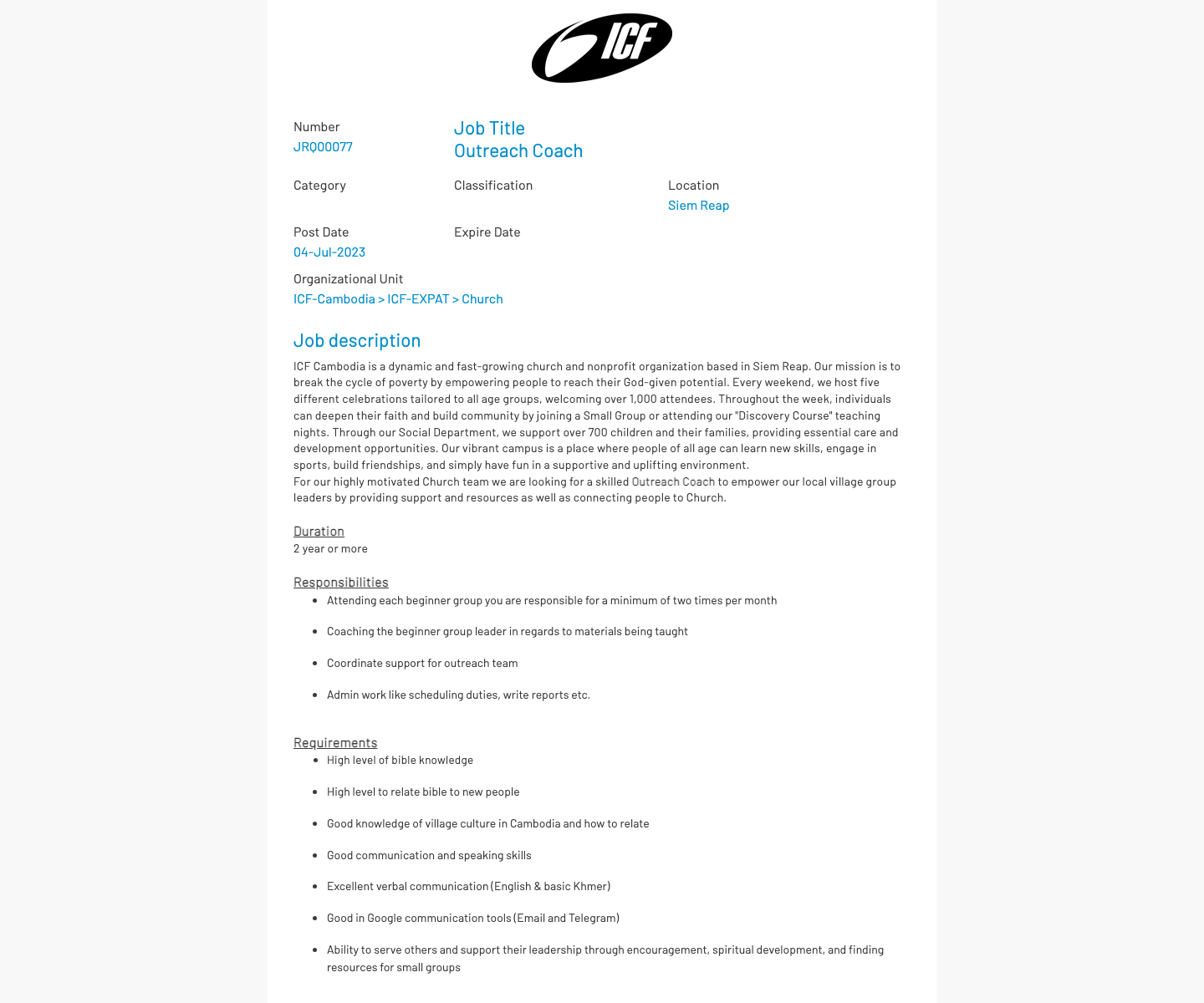
The page shows job metadata (number, location, post date, org unit) plus the description, responsibilities, and requirements from the requisition. Candidates can proceed to apply from this page (/recruitment/apply-job/{id}).