
Expense Items
Expense Items are non-inventory goods and services you purchase from vendors and use on bills.
Navigation: left sidebar → Expenses → Data Setup → Expense Items (/expense/items).
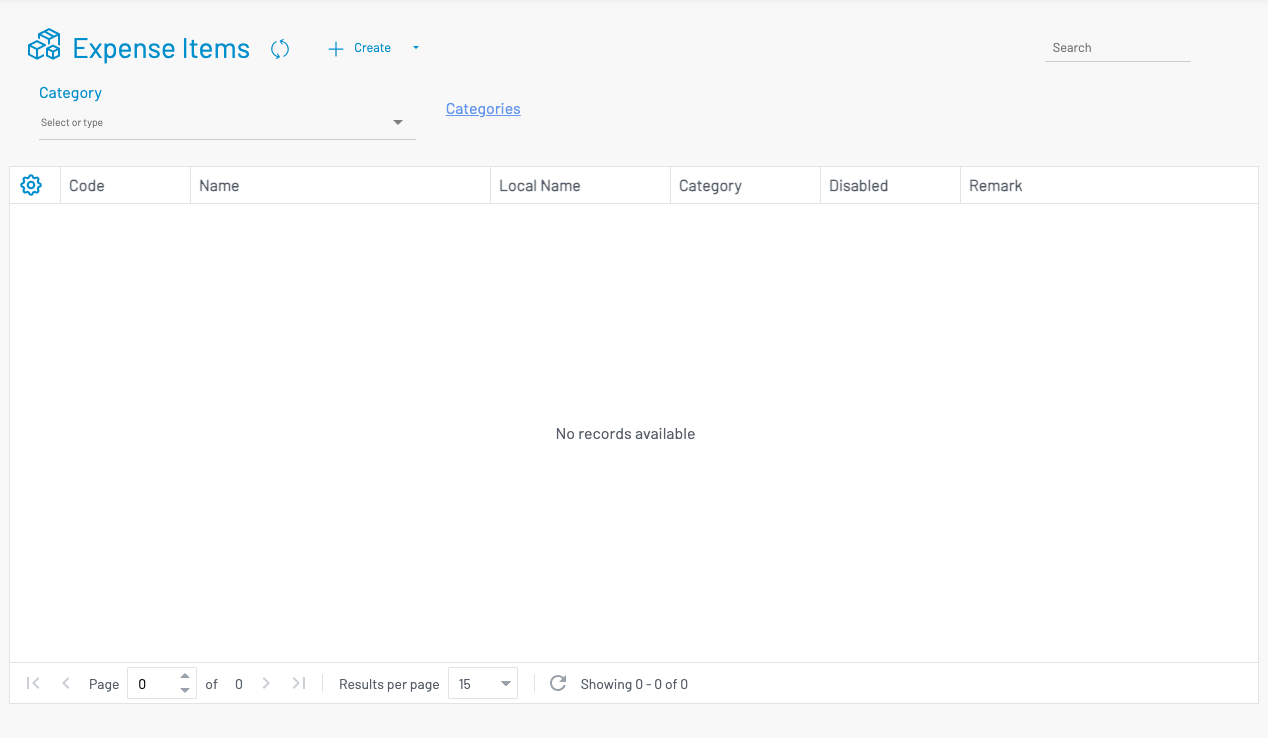
Create an expense item
Section titled “ Create an expense item”Click + Create.
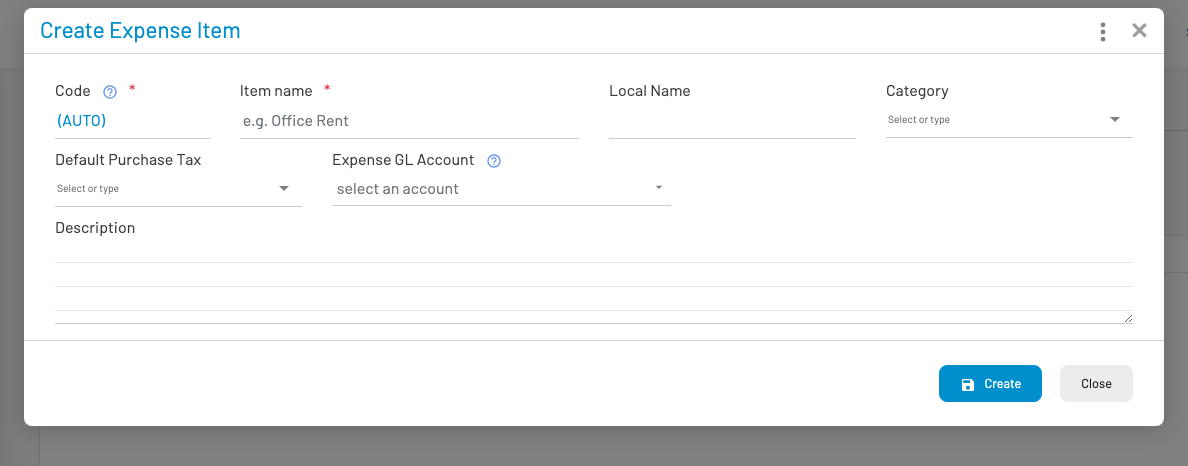
Enter Code, Name, Category, and default unit price as needed, then save. These items appear when adding lines on a bill.
Accounting
Section titled “ Accounting”When the GL module is enabled, the expense item form shows Expense GL Account (optional).
| Setting | Effect |
|---|---|
| Expense GL Account set on the item | Bill / payment lines for this item debit that expense account |
| Left empty | Uses the Expense role from GL Account Mappings |
Why set it per item: so rent, utilities, travel, and other purchases can hit different expense accounts without changing global mappings. Use categories for grouping and filters; use the item’s Expense GL Account when a specific cost account is required.
Inventory-type purchases on bills still follow the item’s category Inventory account (or the mapped Inventory role), not the expense-item GL field.