
Inventory Balances
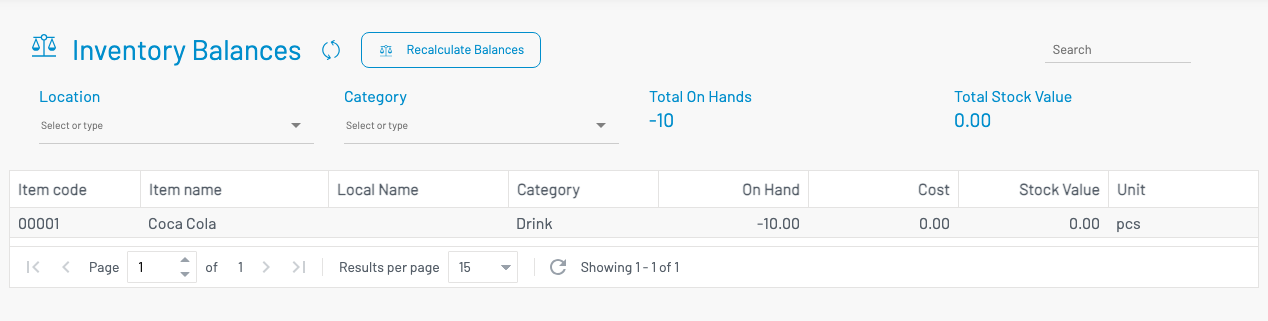
Inventory Balances shows current stock on hand by item and location.
Navigation: left sidebar → Inventory → Inventory Balances (/inventory/balances).
How to use
Section titled “ How to use”- Open Inventory Balances.
- Filter by Location and/or Category as needed.
- Review on-hand quantity and stock value per item/location.
Typical columns include item code, item name, location, on hand, and stock value.