
CRM Reports
CRM Reports provide customer, contact, and opportunity analytics.
Navigation: left sidebar → CRM → CRM Reports (/reports/crm).
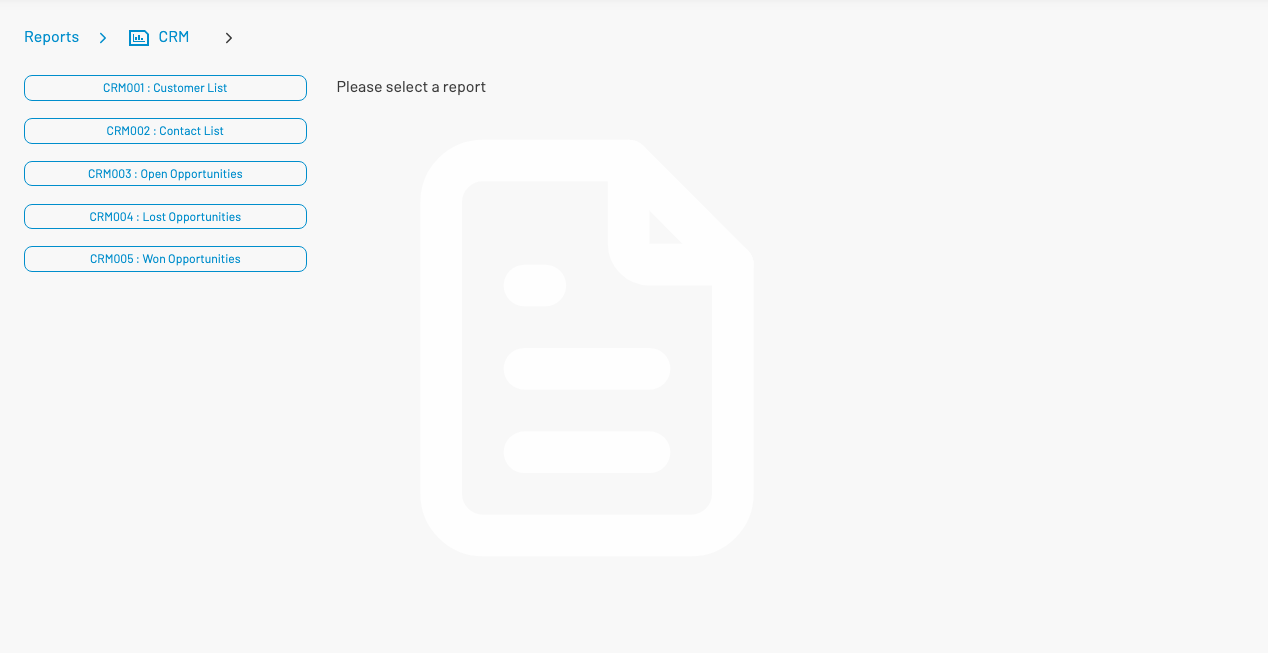
Available reports
Section titled “ Available reports”| Report | Title | Typical parameters |
|---|---|---|
| CRM001 | Customer List | Account handler |
| CRM002 | Contact List | Account handler |
| CRM003 | Open Opportunities | Date range, account handler |
| CRM004 | Lost Opportunities | Date range, account handler |
| CRM005 | Won Opportunities | Date range, account handler |
Which reports appear depends on your role permissions.
Run a report
Section titled “ Run a report”- Select a report from the list.
- Set parameters (date range, account handler, etc.).
- Click View or Export.