
Recruitment Reports
Recruitment reports open from the Reports area for the HR recruitment module.
Navigation: left sidebar → HR → Recruitment → Recruitment Reports (/reports/hr_recruitment).
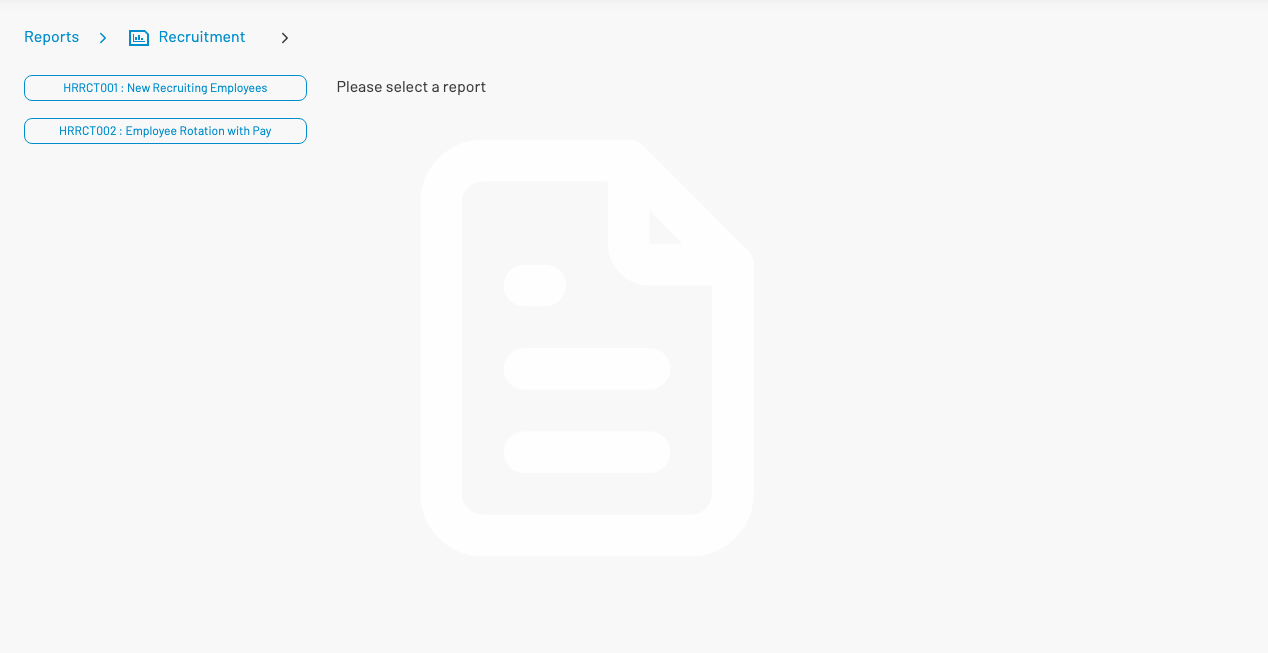
Available reports
Section titled “ Available reports”| Code | Name |
|---|---|
| HRRCT001 | New Recruiting Employees |
| HRRCT002 | Employee Rotation with Pay |
Select a report on the left, set parameters, then run / export as with other AKAS reports.