
Bills
Bills record vendor invoices (accounts payable).
Navigation: left sidebar → Expenses → Bills (/expense/bills).
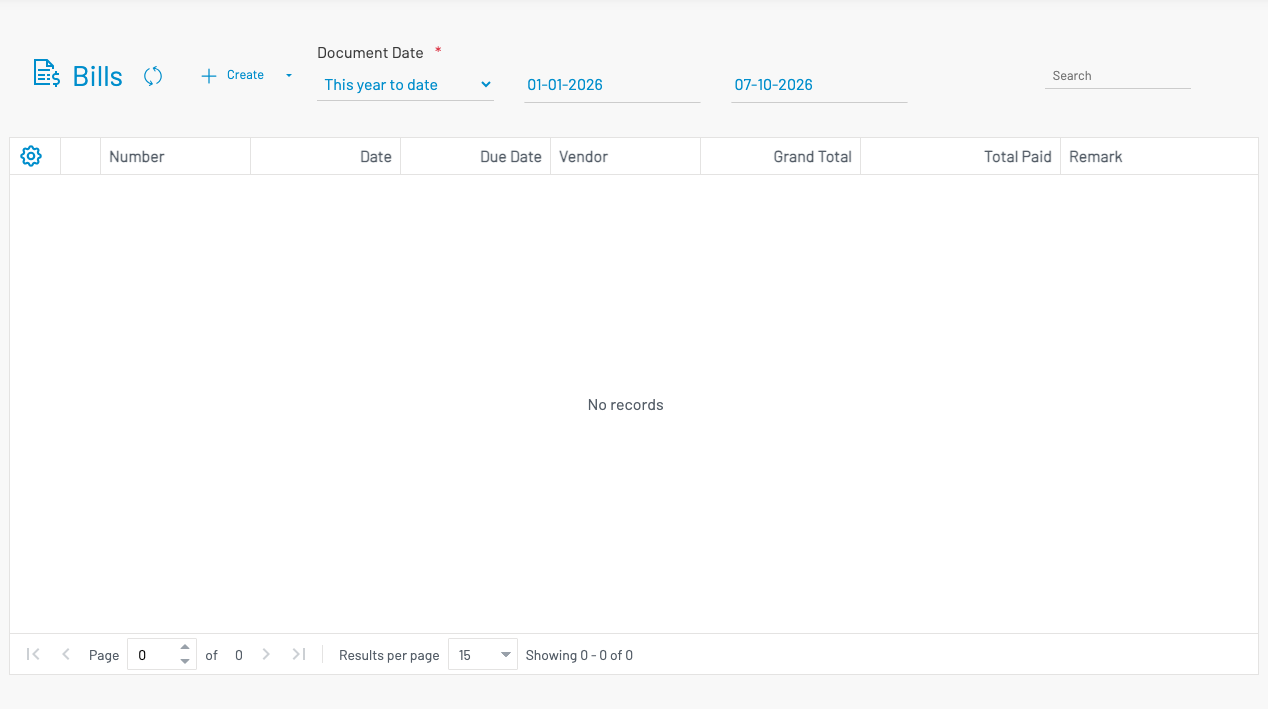
List columns
Section titled “ List columns”| Column | Description |
|---|---|
| Number | Bill number. |
| Date / Due date | Bill and payment due dates. |
| Vendor | Supplier name. |
| Grand total | Bill amount. |
| Total paid | Amount paid so far. |
| Remark | Notes. |
Filter by date range using the filter bar.
Create a bill
Section titled “ Create a bill”Click + Create.
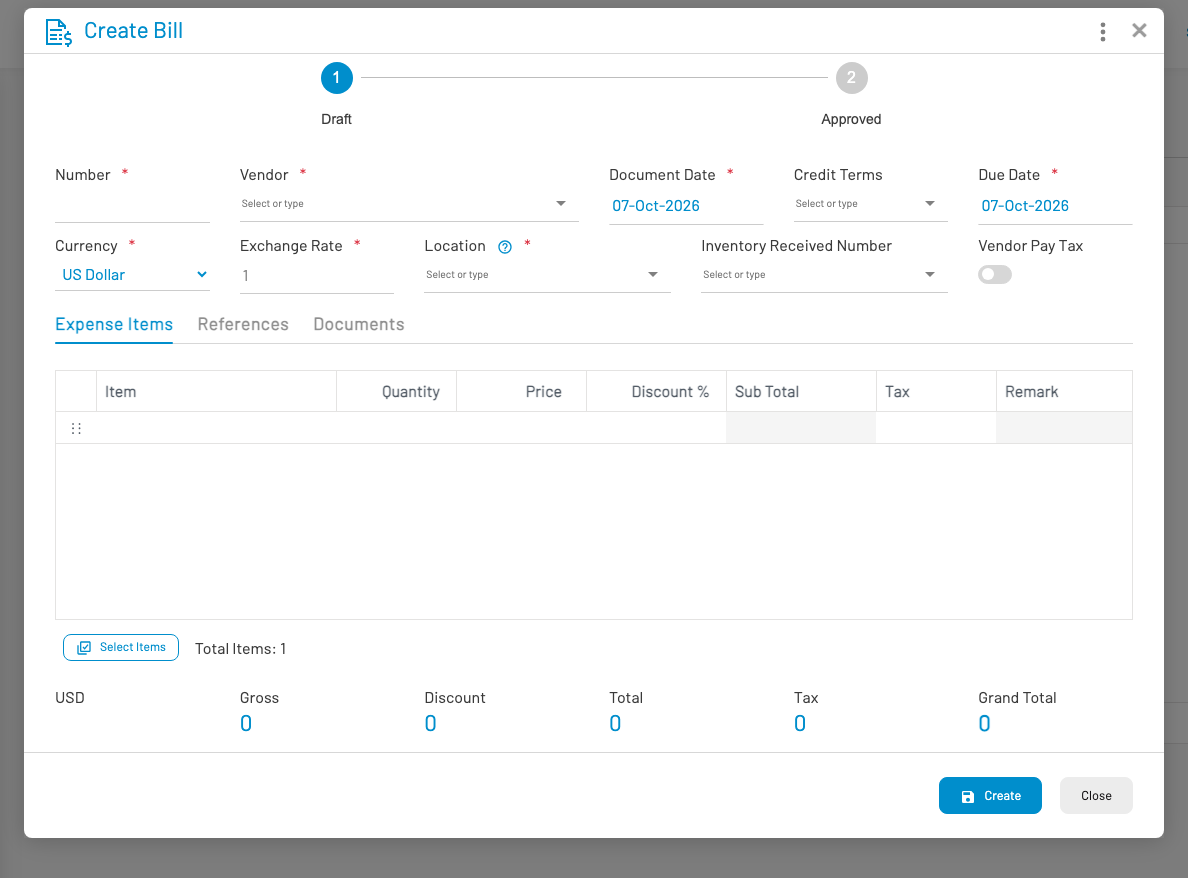
- Select Vendor and set dates / credit terms.
- Add line items — expense item, quantity, price, tax.
- Save and Approve.
Common actions
Section titled “ Common actions”| Action | Description |
|---|---|
| Approve / Revert approve | Post or return the bill to draft |
| Pay | Create a Bill Payment for this bill |
| Apply Deposit | Apply remaining vendor deposit balance to this bill |
Settlements (payments and deposit applications) appear on the bill’s related documents list.