
Payroll Reports
Payroll reports open from the Reports area for the HR payroll module.
Navigation: left sidebar → HR → Payroll → Payroll Reports (/reports/hr_payroll).
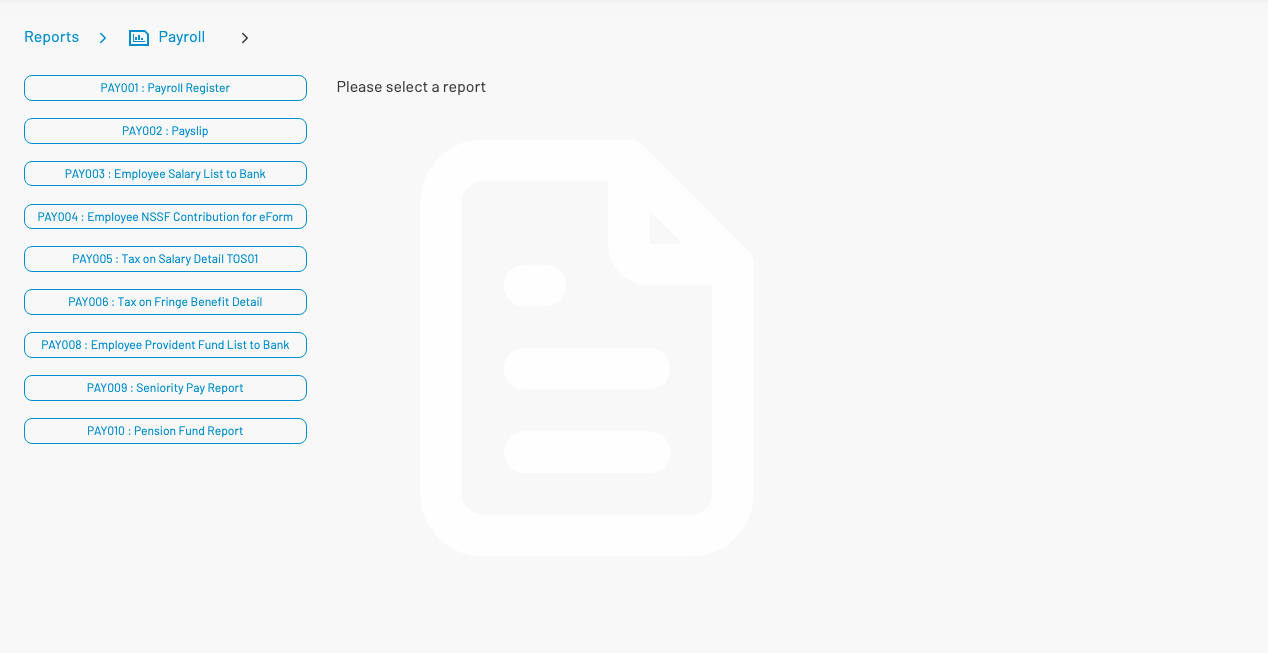
Available reports
Section titled “ Available reports”| Code | Name |
|---|---|
| PAY001 | Payroll Register |
| PAY002 | Payslip |
| PAY003 | Employee Salary List to Bank |
| PAY004 | Employee NSSF Contribution for eForm |
| PAY005 | Tax on Salary Detail TOS01 |
| PAY006 | Tax on Fringe Benefit Detail |
| PAY008 | Employee Provident Fund List to Bank |
| PAY009 | Seniority Pay Report |
| PAY010 | Pension Fund Report |
Select a report on the left, set parameters (fiscal year, pay period, cost center, etc.), then run or export.