
Leads
Leads track people or companies you are prospecting before they become customers.
Navigation: left sidebar → CRM → Leads (/crm/leads).
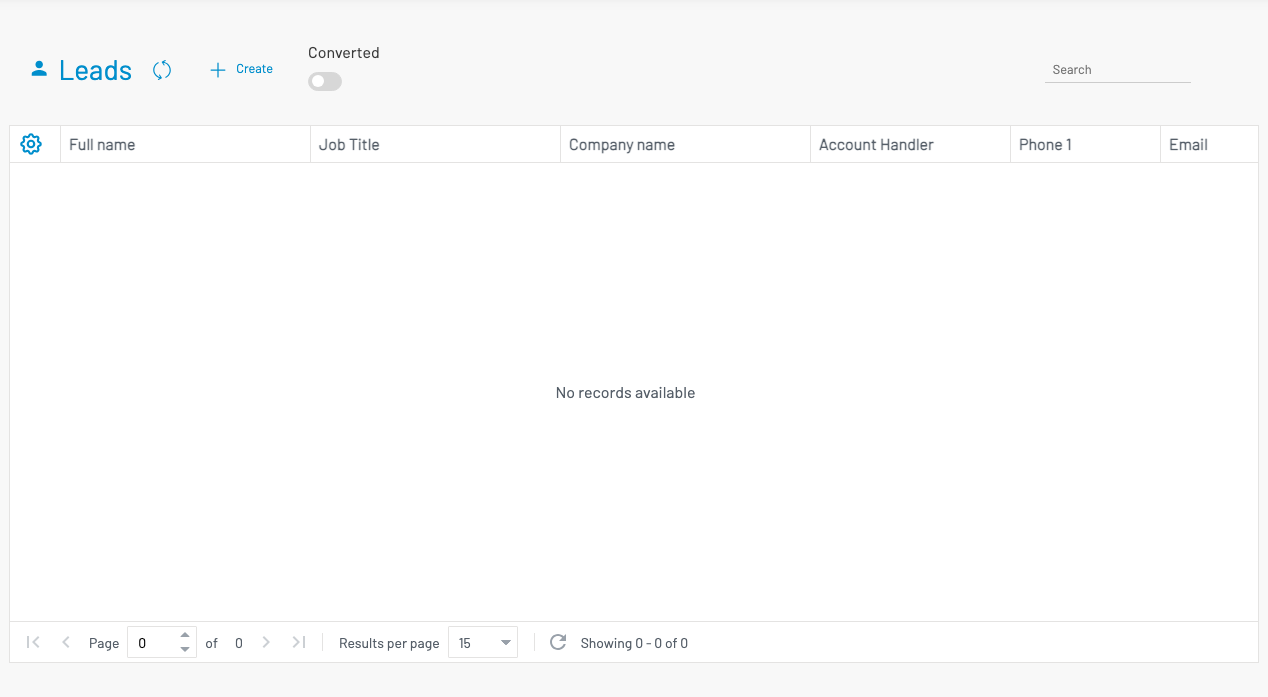
List columns
Section titled “ List columns”| Column | Description |
|---|---|
| Full name | Contact name. |
| Job Title | Role at their company. |
| Company name | Organisation (if applicable). |
| Account Handler | Assigned sales person. |
| Phone / Email | Contact details. |
| Converted | Whether the lead has been converted to a customer. |
| Remark | Notes. |
Use the Converted filter toggle to show or hide converted leads.
Create a lead
Section titled “ Create a lead”Click + Create.
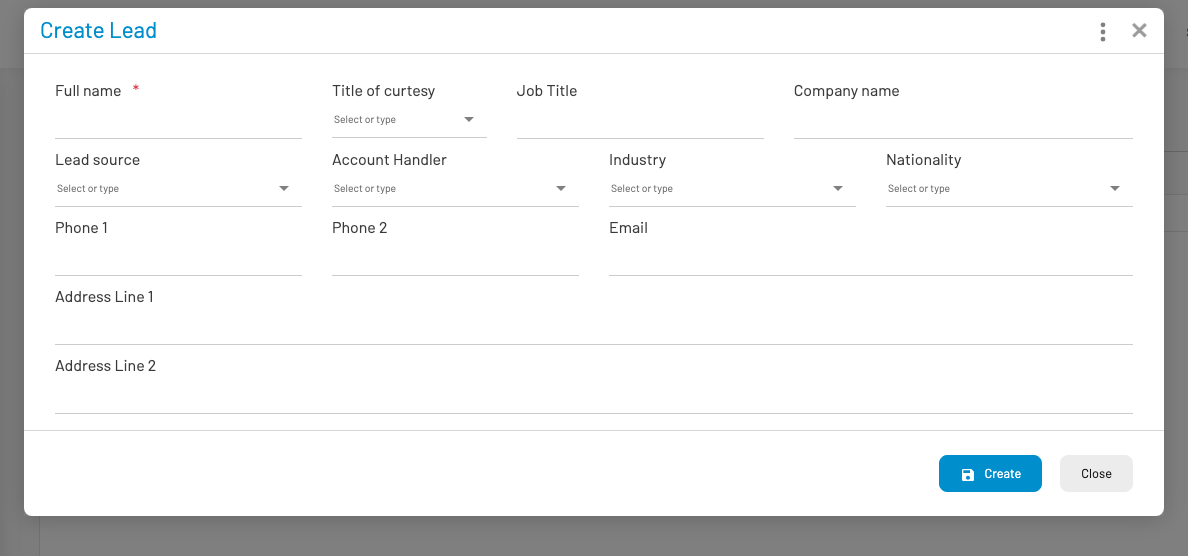
Enter Full name (required), plus job title, company, lead source, account handler, phone, email, and address as needed. Save the record. You can attach documents after saving.
Convert a lead
Section titled “ Convert a lead”Once a lead is qualified:
- Open the lead and click Convert.
- Review the pre-filled customer / contact names.
- Optionally check Create opportunity for this account.
- Confirm.
After conversion the lead is marked converted and becomes read-only. A customer record is created.