
Quotations
Quotations are formal price quotes. Approved quotations can be converted to sales orders in Revenues.
Navigation: left sidebar → CRM → Quotations (/crm/quotations).
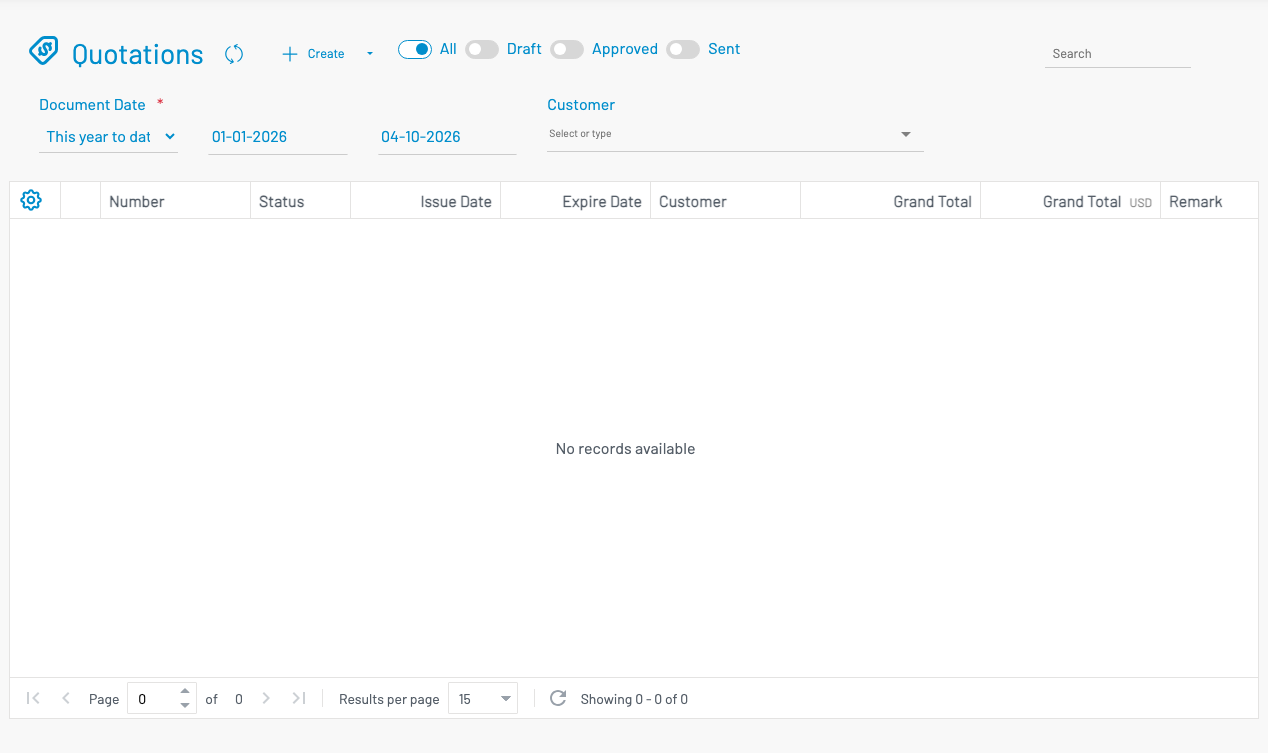
Lifecycle
Section titled “ Lifecycle”Draft → Approved → Sent → Sale Ordered| State | Description |
|---|---|
| Draft | Being prepared; editable |
| Approved | Locked for approval; ready to send |
| Sent | Emailed or delivered to customer |
| Sale ordered | Converted to a sales order in Revenues |
Create a quotation
Section titled “ Create a quotation”Click + Create.
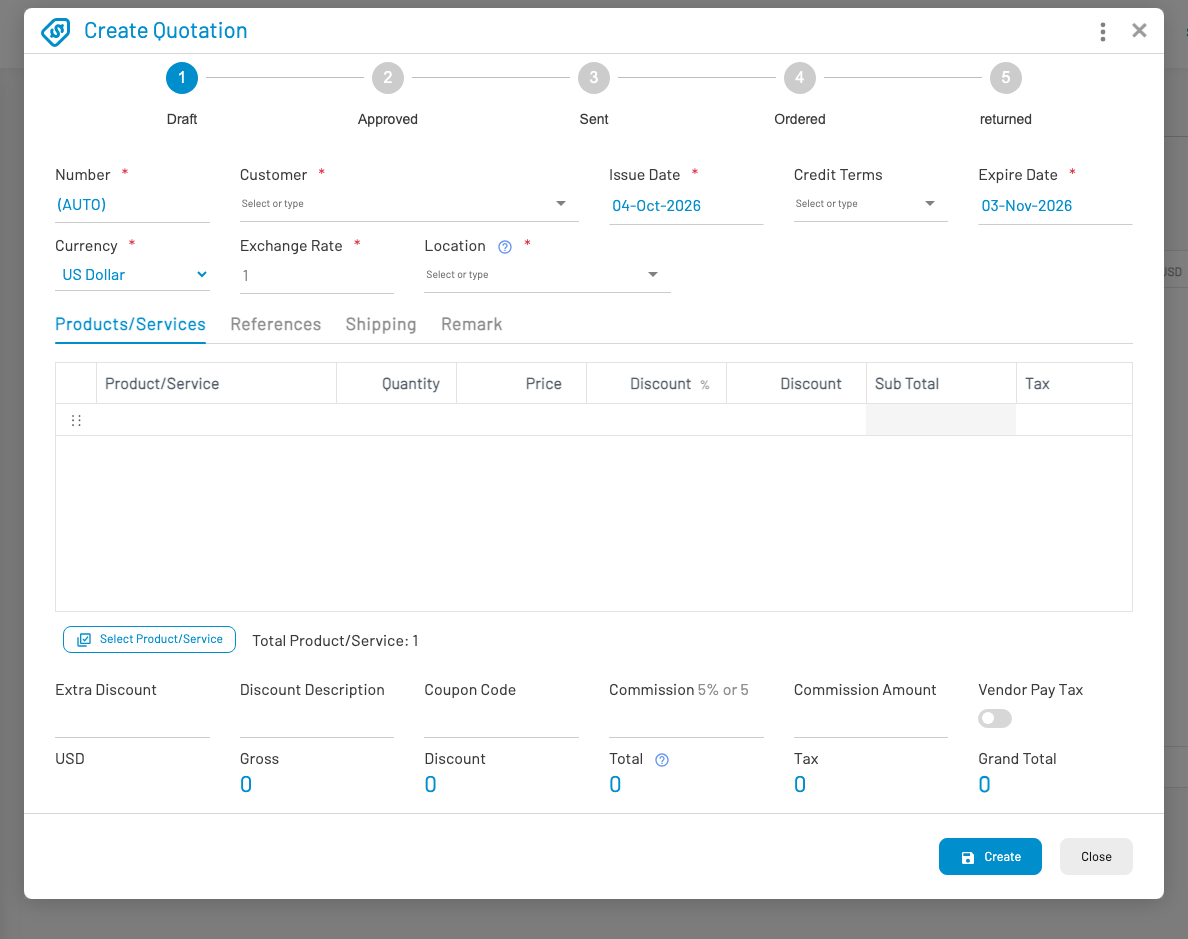
- Select Customer (and optionally Opportunity). Credit Terms defaults from the customer’s credit terms when set.
- Set document date, due date (expire date), currency, credit terms, and location.
- Add line items — product/service, quantity, price, discount, tax. Unit price defaults from the customer’s price level when configured on the item.
- Save as Draft, then Approve and Send when ready.
Convert to sales order
Section titled “ Convert to sales order”From an approved quotation, use Create sale order (form or list context menu). Review the pre-filled order and save. Continue in Revenues → Sales Orders.
Other common actions: Print, Revert approve, and (when enabled) Create invoice.