
Receivables Query
Receivables Query shows outstanding customer balances and aging analysis as of a selected date.
Navigation: left sidebar → Revenues → Receivables Query (/revenue/ar-query).
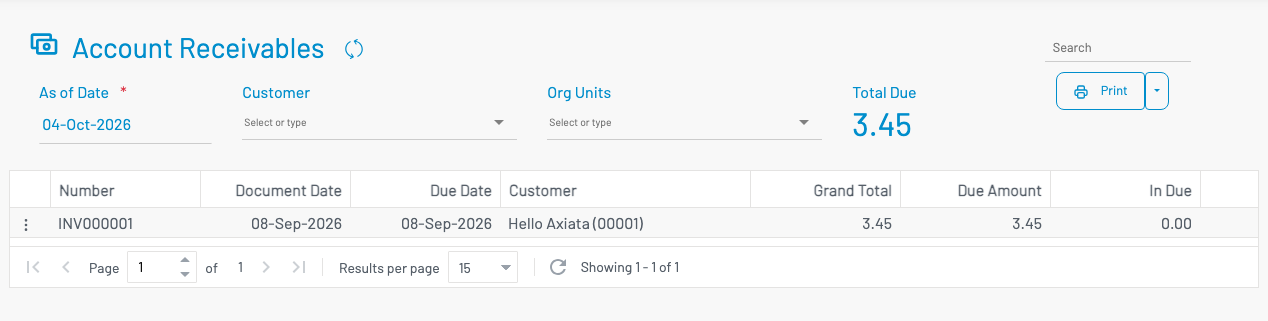
List columns
Section titled “ List columns”| Column | Description |
|---|---|
| Number | Invoice number. |
| Date / Due Date | Invoice and payment due dates. |
| Customer | Customer name. |
| Grand Total | Invoice amount. |
| Due Amount | Outstanding balance. |
| In Due | Current (not overdue) portion. |
| 30 / 60 / 90 / 90+ | Aging buckets for overdue amounts. |
Run a query
Section titled “ Run a query”- Set As of date.
- Optionally filter by Customer or Org unit.
- Run the search / refresh.
- Use Export when you need Excel output.
From a row context menu you can typically create an AR offset, start Customer pay, or open related customer/invoice details.