
System Jobs
System Jobs schedule background tasks such as backups, notifications, and other recurring processes. Administrators define which function to run, when it runs, and whether the job is currently enabled.
Navigation: left sidebar → Setup → System Jobs (/system/sysjobs).
Overview
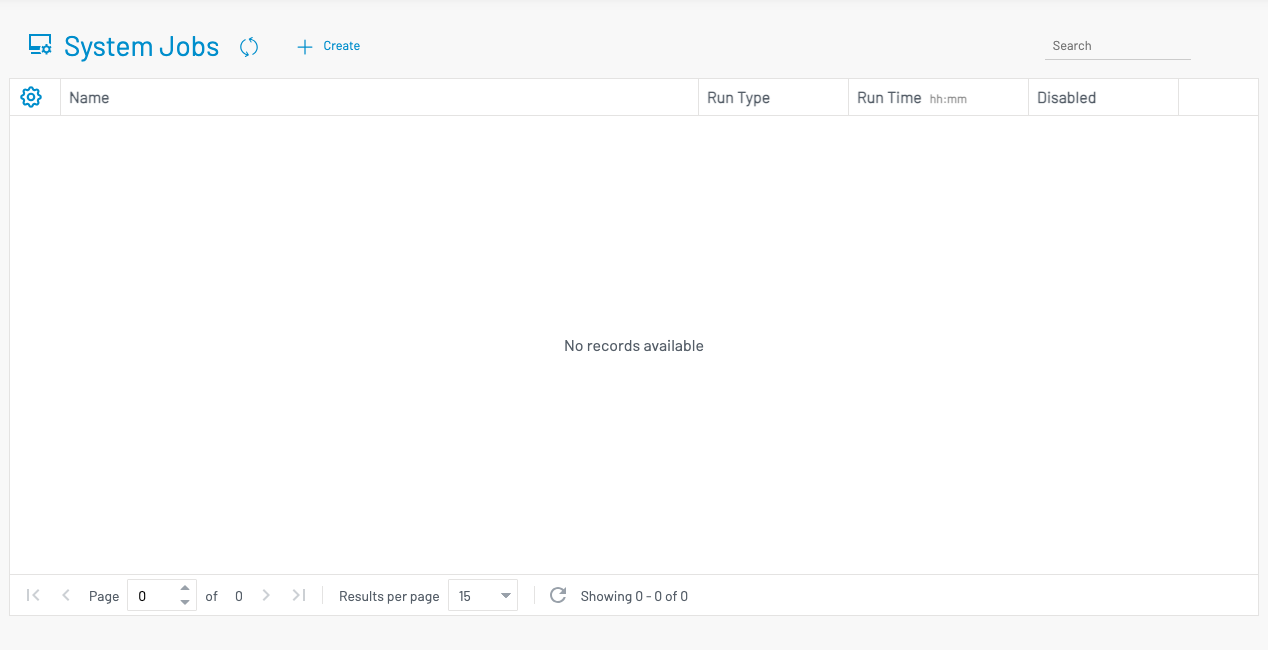
Section titled “ Overview”The System Jobs page lists all configured jobs. From here you can create new jobs, edit schedules, or disable a job without deleting it.
List columns
Section titled “ List columns”| Column | Description |
|---|---|
| Name | Display name of the scheduled job (derived from the selected run function). |
| Run Type | How the job is scheduled: Daily at a fixed time, or Every interval. |
| Run Time (hh:mm) | The time or interval used by the schedule. |
| Disabled | When checked, the job will not run until re-enabled. |
Create or edit a job
Section titled “ Create or edit a job”Click + Create to open the job form. To edit an existing job, use the edit control on that row.
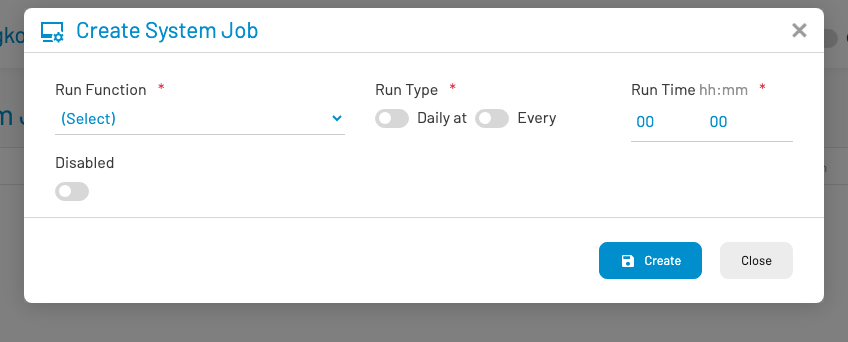
Fill in the following fields:
Run Function (required): Select the background function to execute. Available functions are provided by the system.
Run Type (required): Choose Daily at to run once per day at a specific time, or Every to run on a repeating interval.
Run Time (required): Enter the time in hh:mm format (for example, 02:00 for a nightly job).
Disabled: Turn on to create the job but keep it inactive, or to temporarily pause an existing job.
Click Create (or Save when editing) to store the job, or Close to cancel.
Best practices
Section titled “ Best practices”Confirm critical jobs (backups, notification dispatch, and similar) appear in the list after installation or major upgrades.
Prefer disabling a job instead of deleting it when you need a temporary pause — this preserves the schedule for later.
Use a quiet period (for example, early morning) for heavy daily jobs so they do not compete with peak user activity.
Permissions
Section titled “ Permissions”Access requires the System Jobs list permission (sysjob.list). Contact a system administrator if the menu item is not visible.