
Workflow Requests
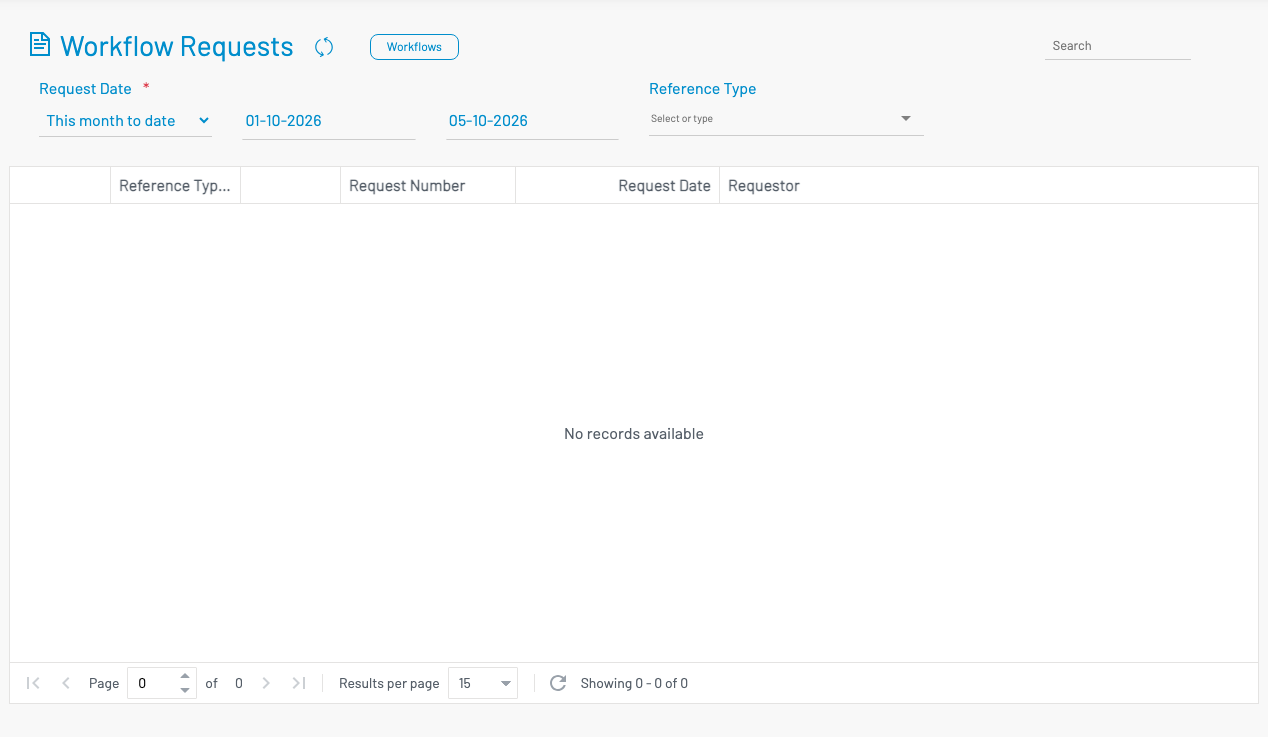
Workflow Requests lists submitted approval / workflow instances so administrators can find and open a request by type, number, or requestor.
Navigation: from Workflows click Workflow Requests, or go to /system/wf-requests.
Filters
Section titled “ Filters”- Request date — date range (required filter group)
- Reference type — request category (leave, job requisition, training, etc.)
List columns
Section titled “ List columns”| Column | Description |
|---|---|
| View | Open the request detail / approval view. |
| Reference Type | Kind of business document in the workflow. |
| Request Number | Document / request number (click to view). |
| Request Date | When the request was submitted. |
| Requestor | Who submitted the request. |
Use Workflows in the header to return to workflow setup. Approvers normally act from their approval inbox; this screen is for admin visibility and troubleshooting.