
Vendor Deposit Applications
Vendor Deposit Applications apply remaining vendor deposit balances against open bills.
Navigation: left sidebar → Expenses → Vendor Deposit Applications (/expense/vendor-deposit-applications).
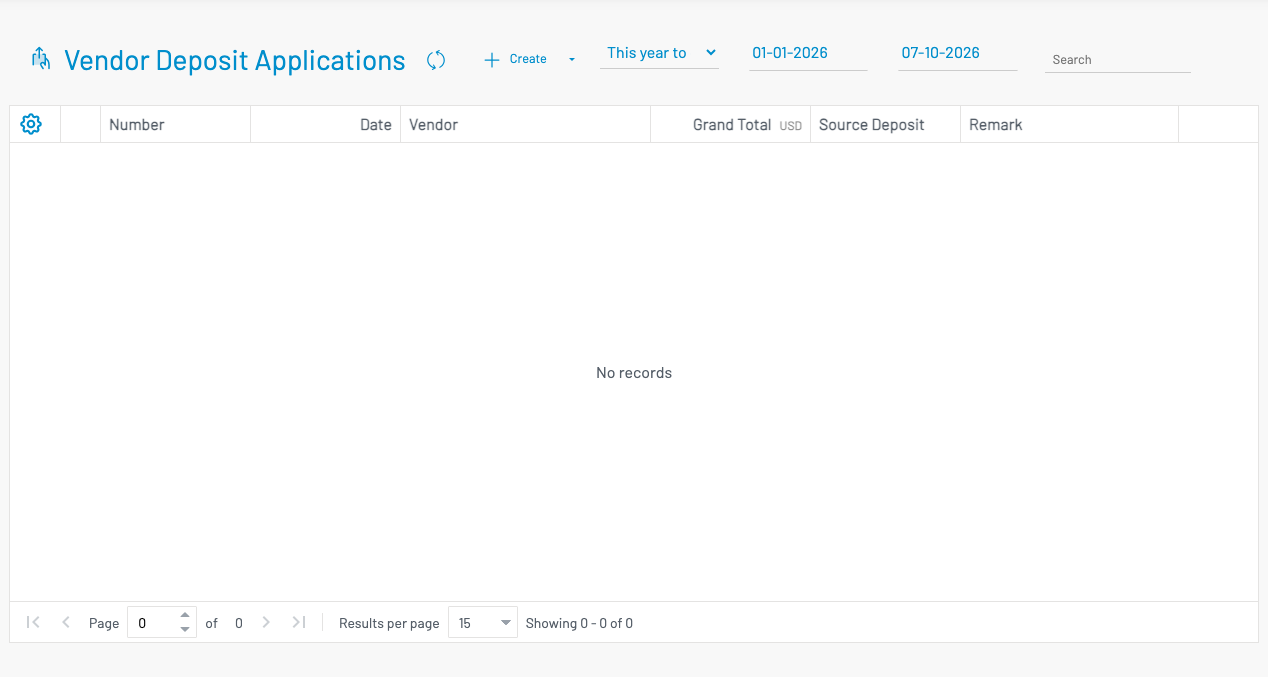
How to apply a deposit
Section titled “ How to apply a deposit”Click + Create.
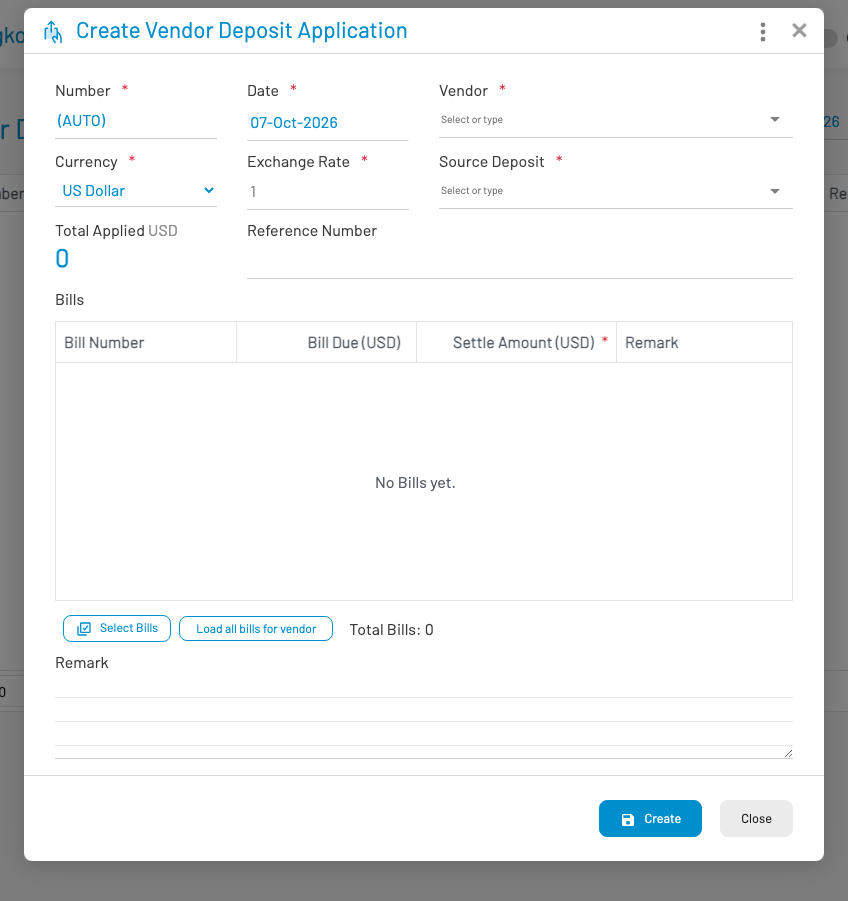
- Select the vendor and the deposit to draw from.
- Choose the bill(s) to apply against and the amounts.
- Save and approve.
The deposit Remaining balance decreases by the applied amount. You can also apply a deposit from an approved bill via Apply Deposit.