
Employee Misconduct
Employee Misconduct records disciplinary incidents — the type of misconduct, action taken, and relevant dates. This supports HR compliance tracking and reporting.
Misconducts can be managed through the left sidebar → HR → Personnel → Misconducts (/personnel/misconducts).
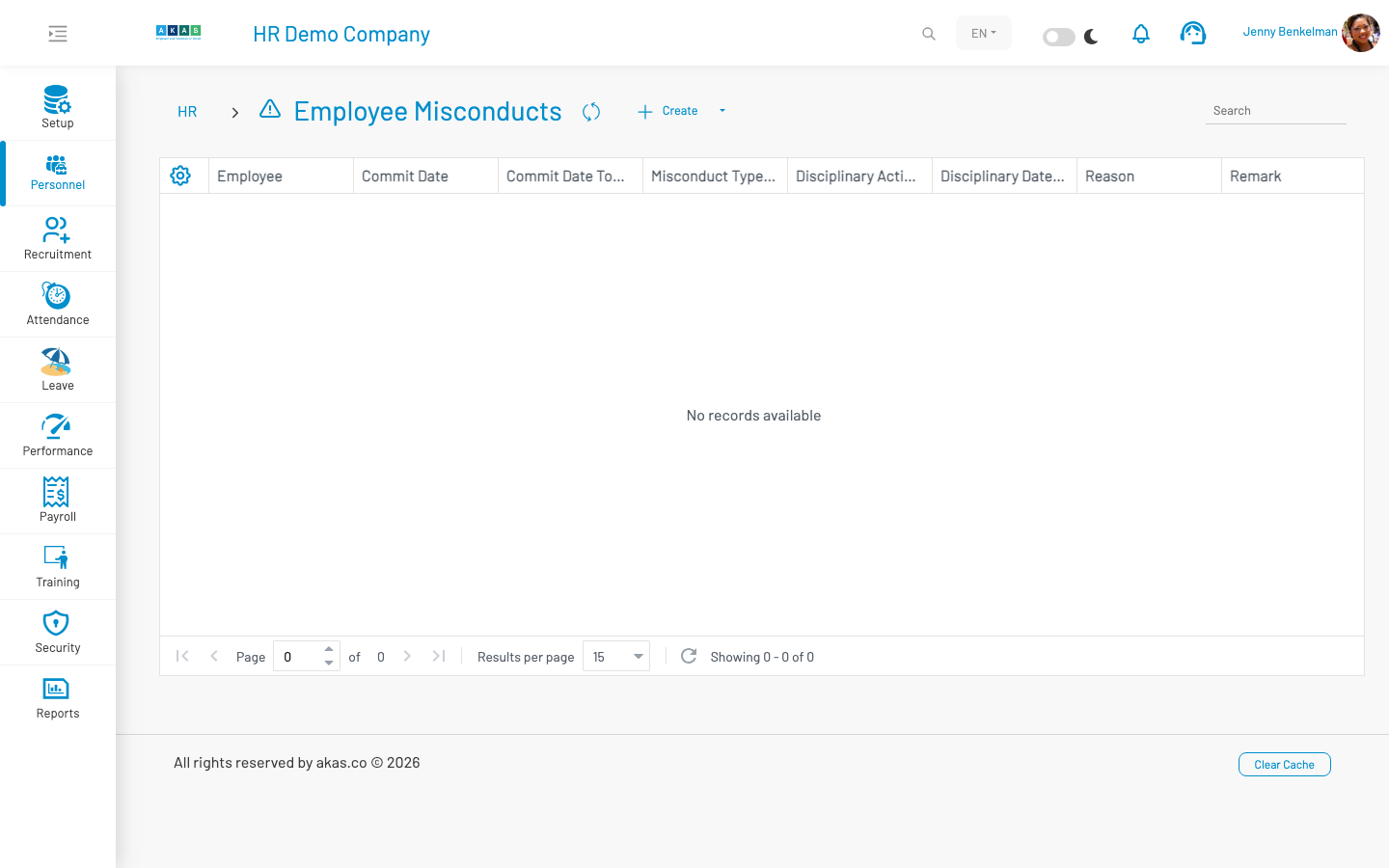
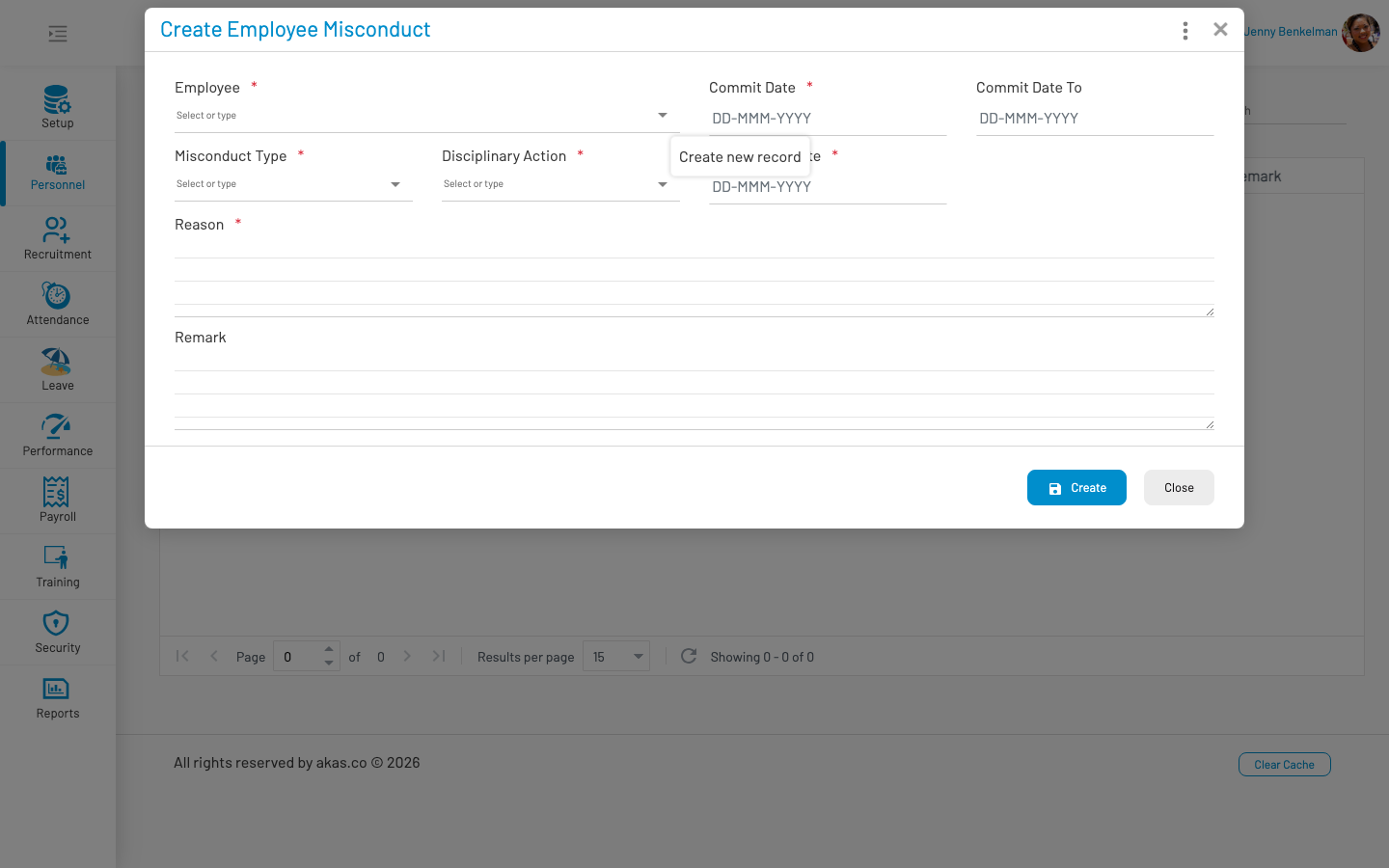
To record a new misconduct, click Create, fill in the form, and click Save.
List columns
Section titled “ List columns”| Column | Description |
|---|---|
| Employee | Employee involved. |
| Commit Date | Date the misconduct occurred. |
| Commit Date To | End date if misconduct spans a period. |
| Misconduct Type | Type of misconduct (LOV 36). |
| Discipline Action | Action taken (LOV 37). |
| Discipline Date | Date discipline was applied. |
| Reason | Description of the incident. |
| Remark | Additional notes. |
Form fields
Section titled “ Form fields”| Field Name | Type of Data | Description |
|---|---|---|
| Employee | Lookup | Employee involved. Required. |
| Commit Date | Date | Date the misconduct occurred. Required. |
| Commit Date To | Date | End date if the incident spans multiple days. |
| Misconduct Type | LOV (36) | Category of misconduct. Required. |
| Discipline Action | LOV (37) | Disciplinary action taken. Required. |
| Discipline Date | Date | Date the discipline was applied. Required. |
| Reason | Textarea | Description of the incident. Required. |
| Remark | Textarea | Optional additional notes. |
Actions: Copy As — Duplicate an existing record as a starting point for a new entry.