
Payment Acceptance
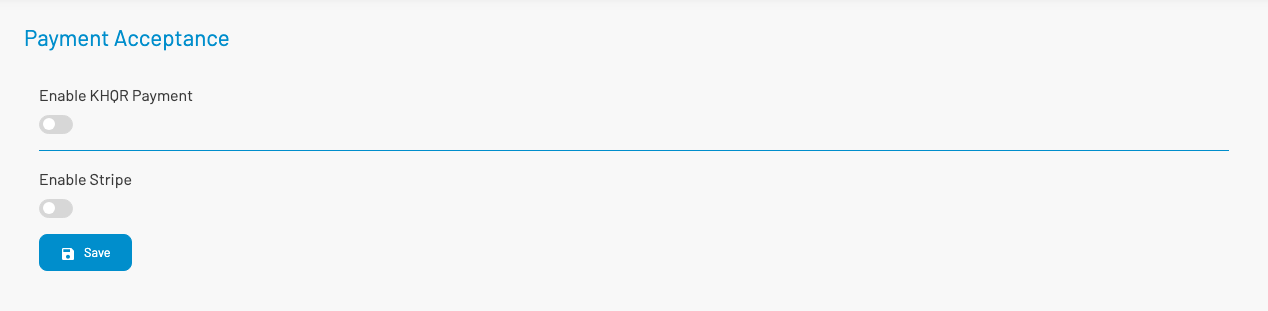
Payment Acceptance configures online payment methods for e-commerce and customer self-pay (for example KHQR or card gateways).
Navigation: left sidebar → Revenues → Data Setup → Payment Acceptance (/revenue/payment-acceptance).
How to configure
Section titled “ How to configure”- Open Payment Acceptance.
- Enable the payment methods you need (for example Enable KHQR payment).
- Fill in the required credentials (phone number, merchant ID, or gateway keys as shown).
- Click Save.
Only enable methods that are contracted and tested for your tenant. Incorrect credentials will prevent customers from completing online payment.