Rating Tables
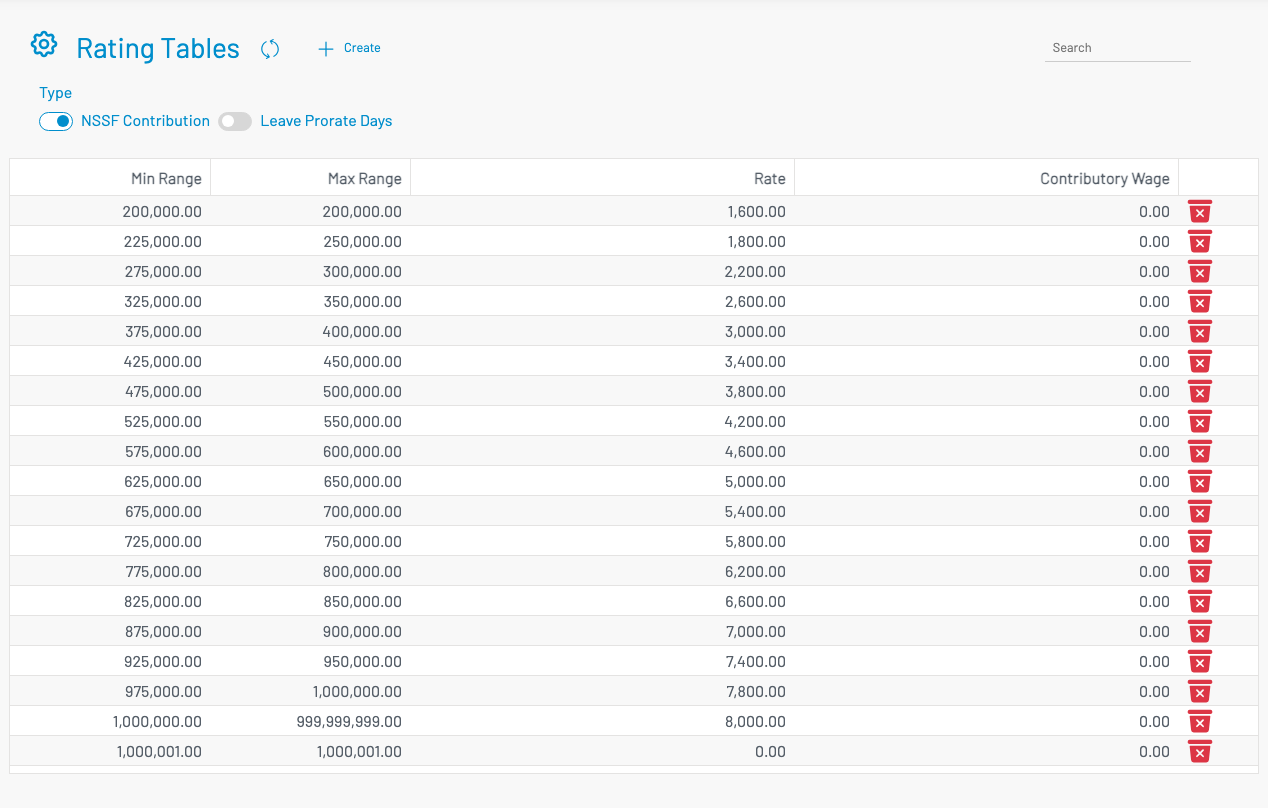
Rating tables store min/max range and rate rows used by payroll calculations (for example NSSF contribution and leave prorate days).
Navigation: left sidebar → HR → Payroll → Data Setup → Rating Tables (/payroll/rating-tables).
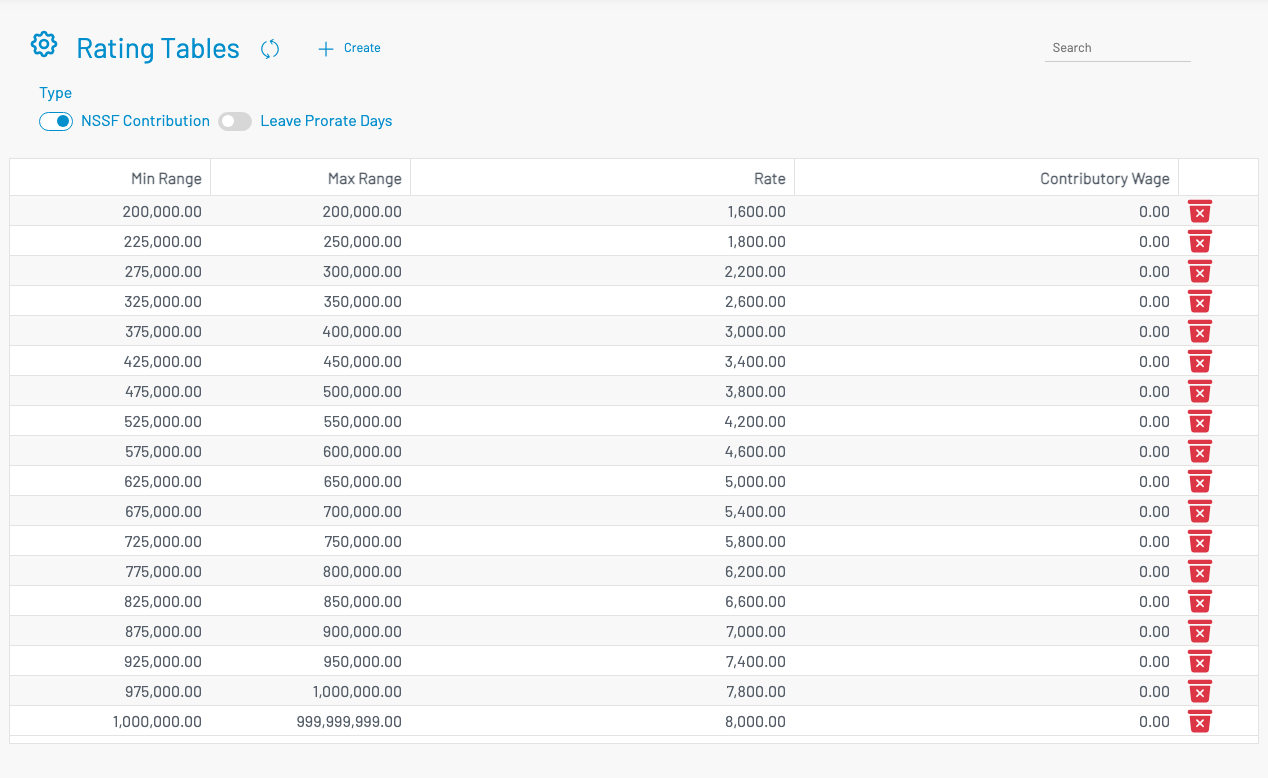
- Select a Type (e.g. NSSF Contribution or Leave Prorate Days).
- Review existing rows (
minRange,maxRange,rate). - Click + Create to add a range/rate row.