
Adjustments
Adjustments correct stock quantities (for example after a physical count).
Navigation: left sidebar → Inventory → Adjustments (/inventory/adjustments).
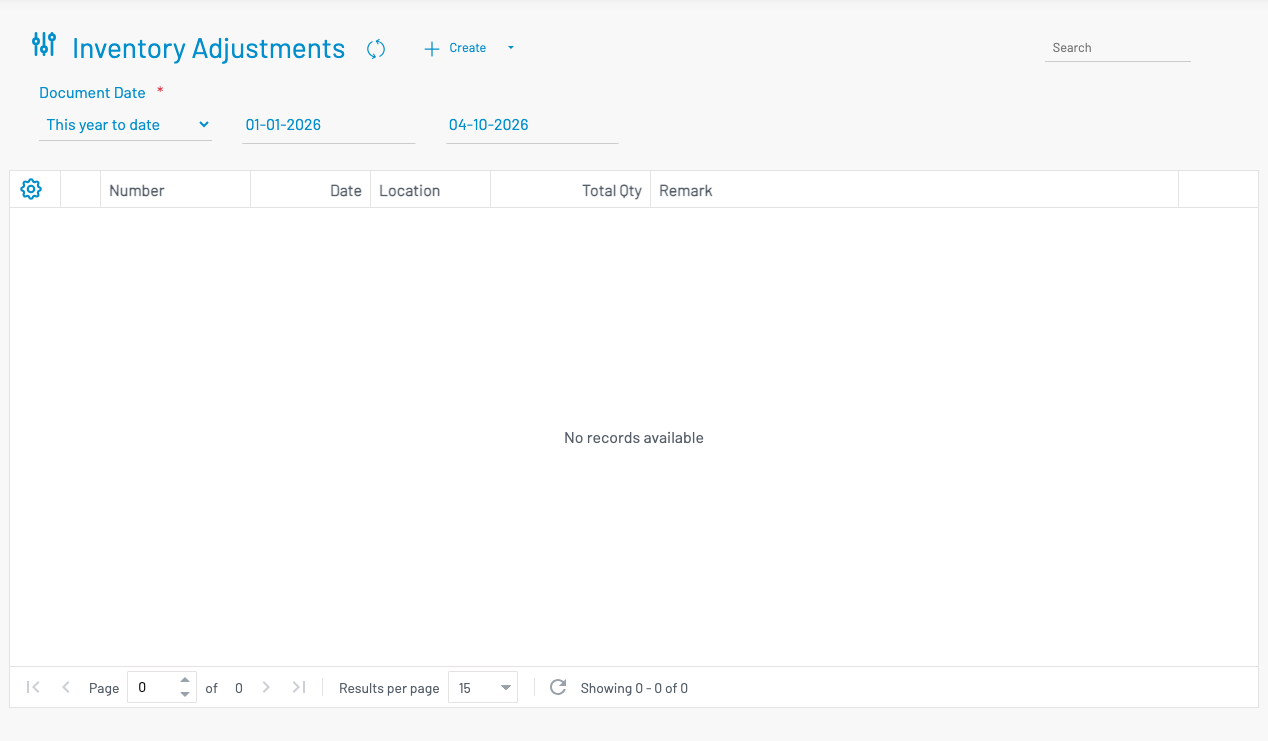
Create an adjustment
Section titled “ Create an adjustment”Click + Create.
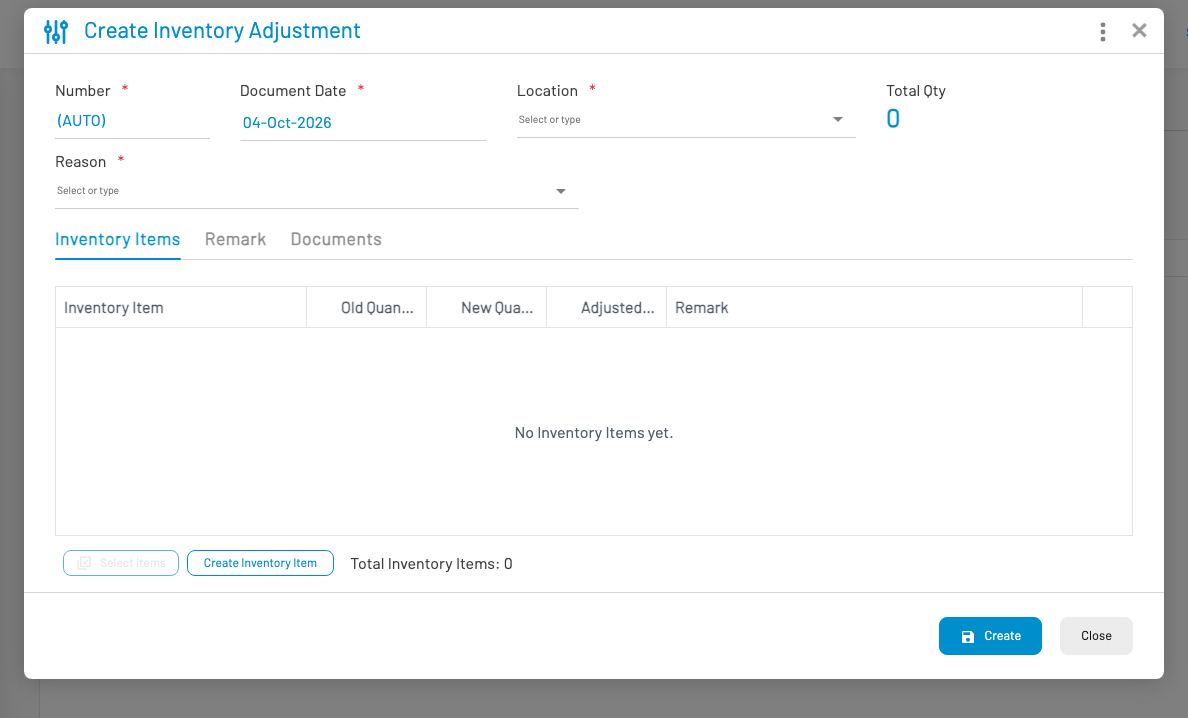
- Select Location.
- Add line items — product and quantity change (+ or −).
- Save and Approve.