
Notify Actions
Notify actions define named notification workflows you can send from a job application (for example, notify shortlisted or rejected applicants).
Navigation: left sidebar → HR → Recruitment → Notify Actions (/recruitment/notify-actions).
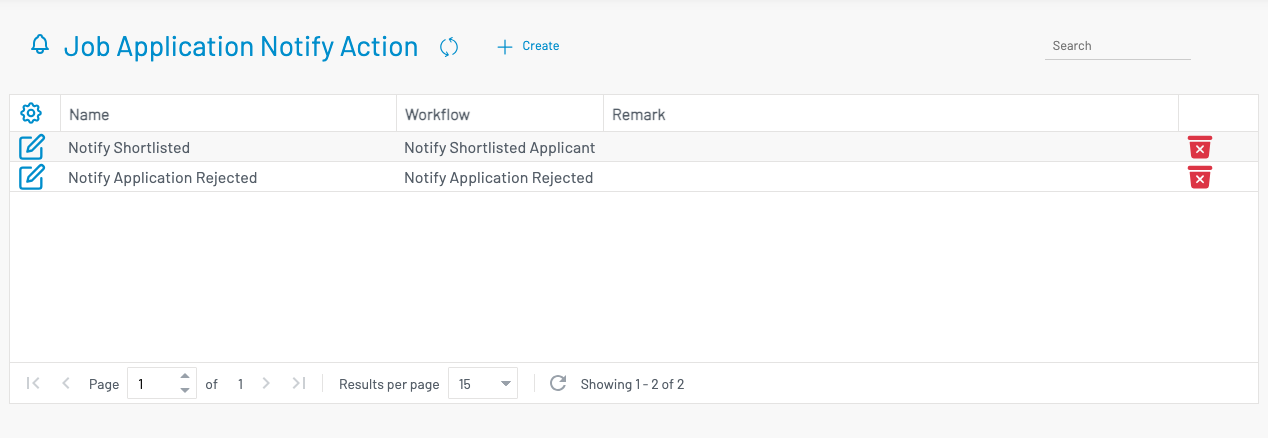
List columns
Section titled “ List columns”| Column | Description |
|---|---|
| Name | Display name of the notify action. |
| Workflow | Linked workflow that sends the notification. |
| Remark | Optional notes. |
Create a notify action
Section titled “ Create a notify action”Click + Create.
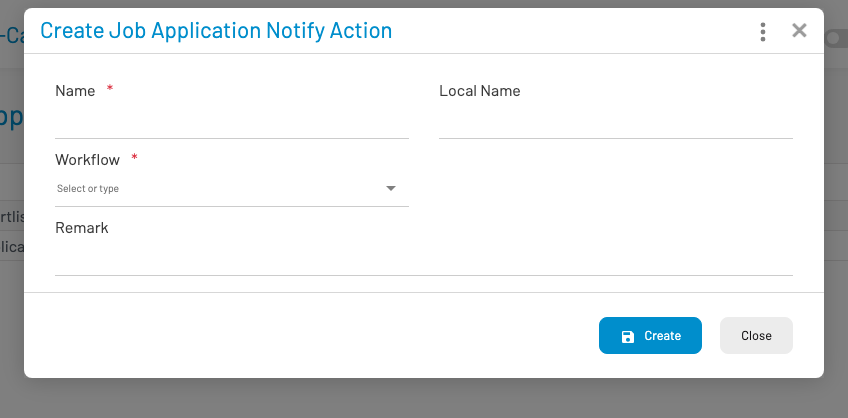
- Enter Name (required) and optional Local name.
- Select a Workflow (required).
- Add a Remark if needed.
- Click Create.
Use these actions later from Job applications via the Notify button on an applicant row.