
Vendor Deposit Refunds
Vendor Deposit Refunds return unused vendor deposit balances from the vendor.
Navigation: left sidebar → Expenses → Vendor Deposit Refunds (/expense/vendor-deposit-refunds).
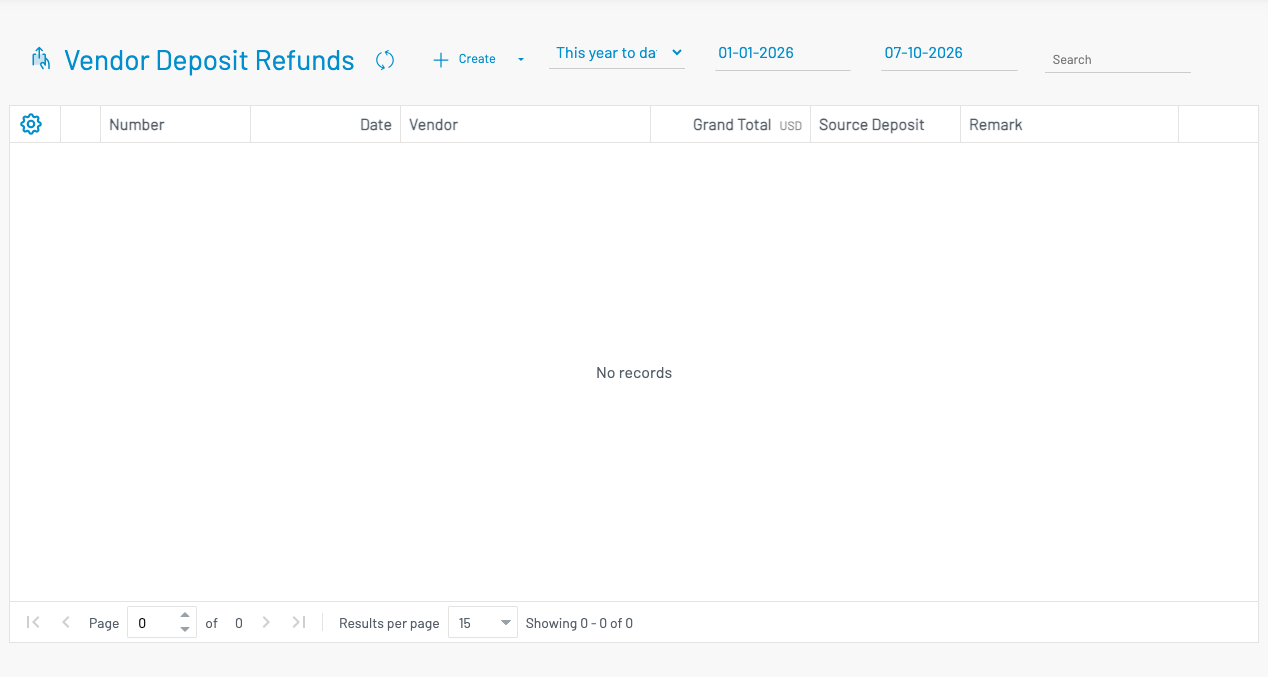
How to refund a deposit
Section titled “ How to refund a deposit”Click + Create.
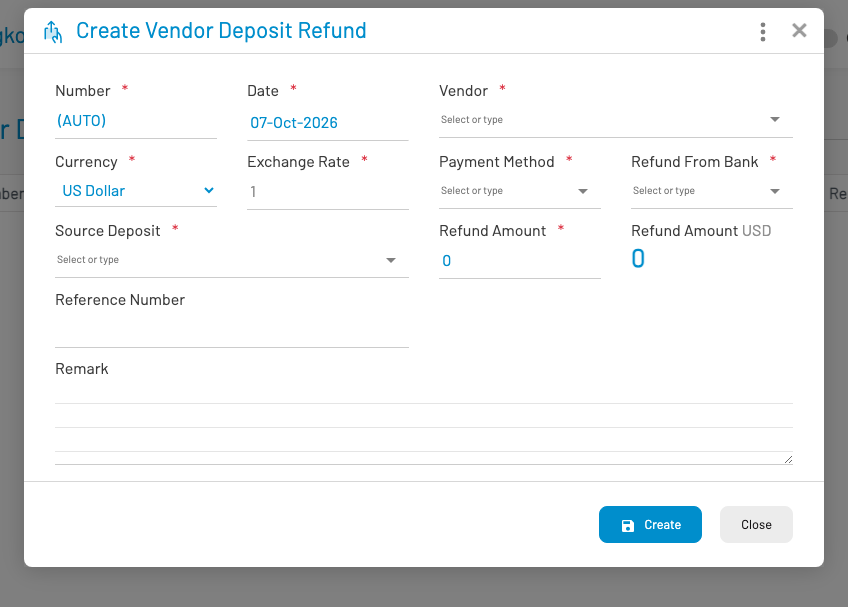
- Select the vendor and deposit with remaining balance.
- Enter the refund amount and payment / bank details.
- Save and approve.
Only the Remaining deposit amount can be refunded.